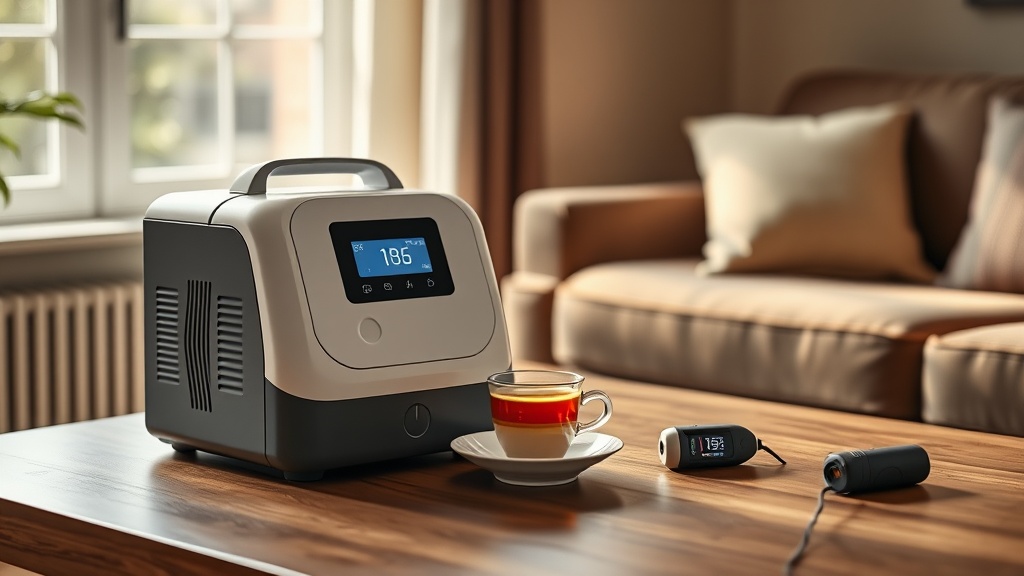
OxyGuide Comfort Flow Settings for Exercise: Optimal Pulse Dose Adjustments
Finding the right oxygen flow settings during physical activity is critical for users of the OxyGuide Comfort portable oxygen concentrator. This article dives deep into pulse dose adjustments, offering data-backed guidance on how to match your device’s output to your exertion level. Whether you’re walking, cycling, or performing light resistance training, understanding the nuances of pulse dose settings can help you maintain safe oxygen saturation levels without unnecessary battery drain.
How Does the OxyGuide Comfort Pulse Dose System Work?
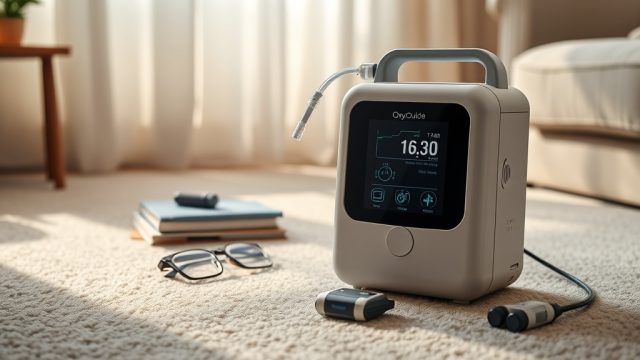
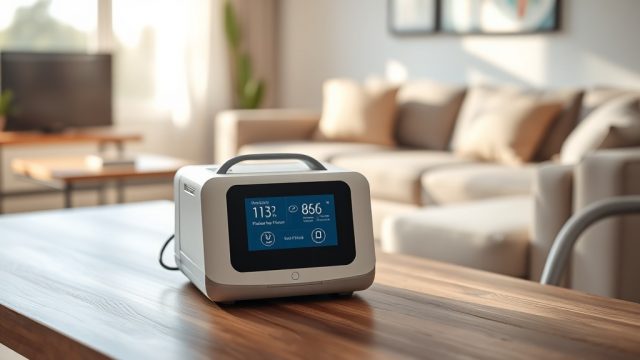
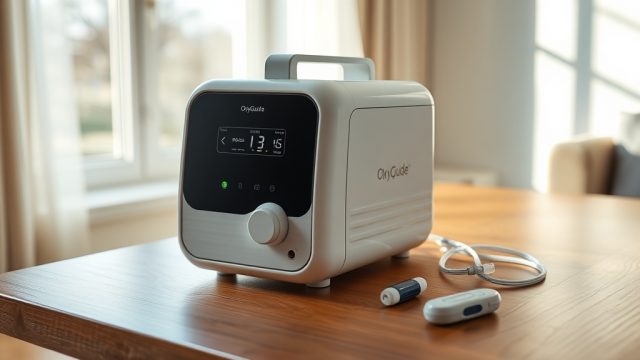
The OxyGuide Comfort uses a pulse dose delivery mechanism, which means it releases a bolus of oxygen only when you inhale. Unlike continuous flow systems that deliver oxygen at a steady rate, pulse dose conserves battery life and supports active usage. The device offers six adjustable pulse dose settings (P1 through P6), each corresponding to a specific volume of oxygen per breath. For exercise, the key is to find the setting that compensates for increased respiratory rate without over-oxygenating at rest.
What Are the Recommended Pulse Dose Settings for Different Activity Levels?
General guidelines from pulmonary rehabilitation specialists suggest the following adjustments: for light activities like shopping or household chores, P2 to P3 is often sufficient. For brisk walking or climbing stairs, P3 to P4 is typical. For moderate exercise such as a 20-minute stationary bike session, P4 to P5 may be needed. High-intensity intervals (e.g., 5-minute sprints or heavy gardening) may require P5 to P6. However, individual needs vary based on lung function and blood oxygen response.
Below is a comparison table of typical settings for common exercise types on the OxyGuide Comfort:
| Activity Type | Recommended Setting | Estimated Oxygen Delivery per Breath (mL) | Typical Battery Life Impact (hours, at 4 BPM average) |
|---|---|---|---|
| Resting (watching TV, reading) | P2 | 15–20 mL | 6–8 hours |
| Light walking (0–2 mph) | P3 | 25–30 mL | 5–7 hours |
| Moderate walking (2–3 mph) or stairs | P4 | 35–40 mL | 4–5.5 hours |
| Brisk walk / light jog (3–4 mph) | P5 | 45–50 mL | 3–4 hours |
| High-intensity intervals (e.g., 5-minute cycles) | P6 | 55–60 mL | 2–3 hours |
Note: The device also adjusts breath detection sensitivity at higher settings, which can slightly increase triggering efficiency during irregular breathing patterns common in exercise.
How Do I Monitor Oxygen Saturation During Exercise to Fine-Tune Settings?
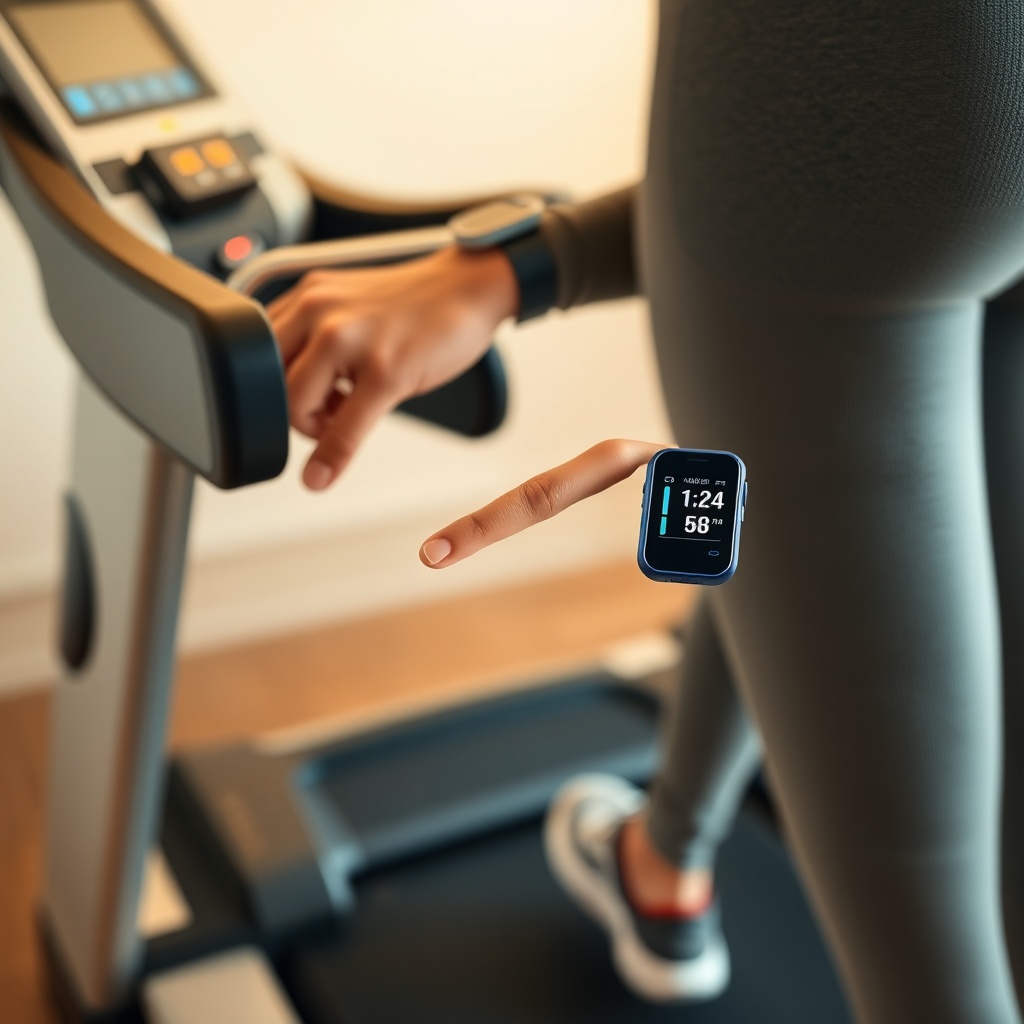
The best approach involves using a wrist-worn pulse oximeter with data logging capabilities. During the first week using the OxyGuide Comfort during exercise, users should record their SpO2 levels before, during, and after each session at different pulse dose settings. Aim to maintain SpO2 above 90% during moderate activity and above 88% during high-intensity bursts. If levels dip below these thresholds for more than 30 seconds, increase the pulse dose by one step. Conversely, if SpO2 stays above 94% consistently, you may be using too high a setting, which wastes battery and can cause discomfort.
What Are Common Challenges With Pulse Dose During Exercise and How to Overcome Them?
One frequent issue is breath detection lag during rapid respirations. The OxyGuide Comfort has a breath detection response time of about 60–80 milliseconds, which is adequate for most activities up to 30 breaths per minute. However, during sprint-like intervals (40+ breaths per minute), some users report missed pulses. A practical workaround is to use the “Boost” feature on the device, which temporarily increases oxygen delivery during high breathing rates. Another challenge is mouth-breathing during exertion, which can cause the nasal cannula to deliver less effective oxygen. Switching to a high-flow nasal cannula or using a chin strap can improve delivery consistency.
For users who experience battery drain due to higher settings, consider reading the OxyGuide Comfort Battery Drain While Charging: Causes and Fixes article to identify issues that may exacerbate power consumption during exercise.
How Does Altitude Affect Pulse Dose Settings for Exercise on the OxyGuide Comfort?
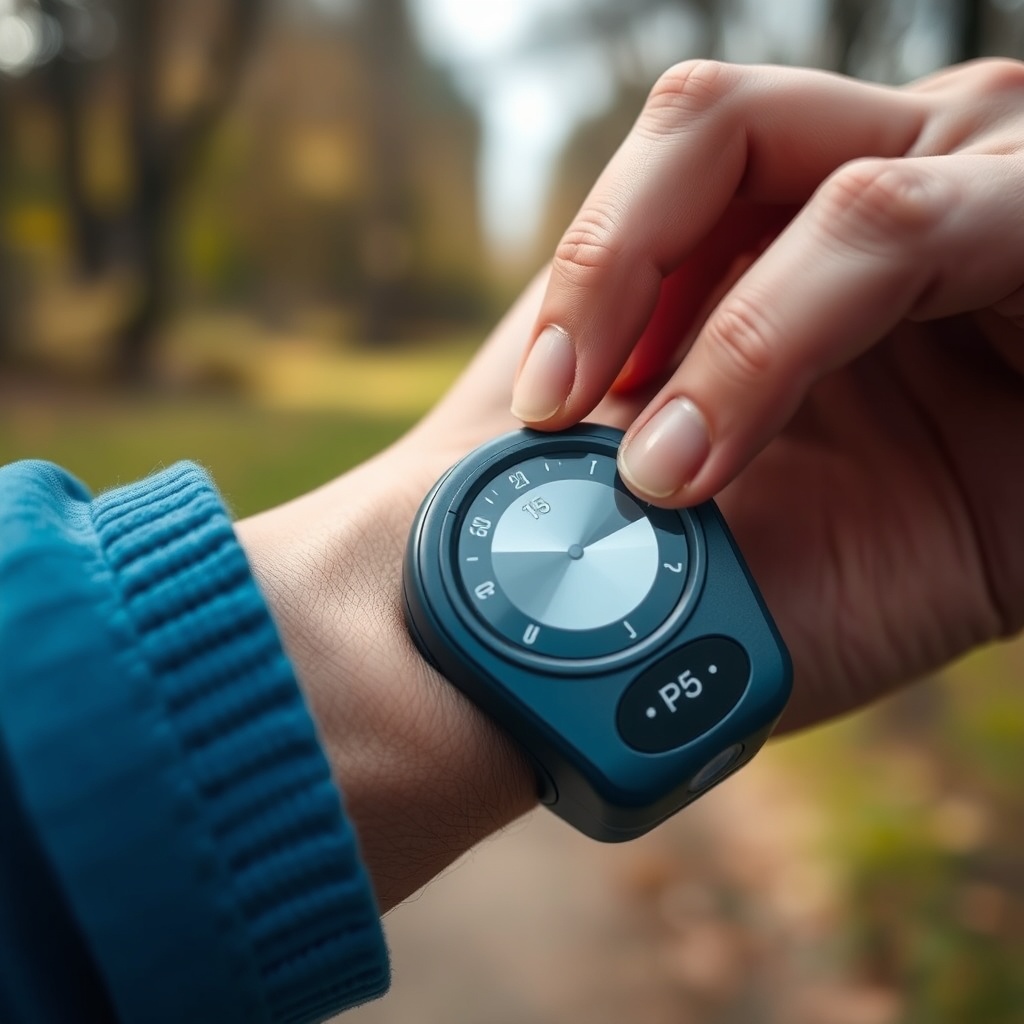
At higher elevations (above 5,000 feet), the air contains less oxygen, which means your OxyGuide Comfort needs to deliver a larger bolus to maintain saturation. In practice, users climbing stairs or hiking at 6,000 feet may need to increase their setting by two levels compared to sea level. For example, if you normally walk on flat ground at P3, at 6,000 feet you may need P5 for the same effort. The device’s internal sensor automatically compensates slightly for altitude changes, but manual adjustment is still required for exercise. A detailed analysis of the device’s high-elevation capabilities is available in the OxyGuide Comfort Altitude Performance Test: Does It Work at High Elevations? article.
What Owners Say About OxyGuide Comfort Exercise Settings
Real-world feedback from users highlights both strengths and nuances. Margaret T., a retired nurse from Colorado, reported that after switching from P3 to P5 during her daily 2-mile uphill walk, her SpO2 levels stabilized at 90–92% versus previous dips to 86%. She recommends performing a “stress test” by walking up a gentle incline first. David L., a cyclist, mentioned that the device worked well for 30-minute rides at P4, but he prefers to charge before rides, as detailed in OxyGuide Comfort Car Charging: How to Power Your Device on the Road. Another owner, Sarah K., noted that the P6 setting caused slight nasal dryness but found relief with a humidifier attachment. Ethan R. from Seattle highlighted that the pulse dose detection was consistent during his outdoor aqua jogging sessions, though he kept the device in a waterproof pouch. Several owners emphasize the importance of OxyGuide Comfort Battery Replacement Guide: Step-by-Step Instructions when the battery no longer holds charge after heavy exercise use.
Frequently Asked Questions
1. Can I use the OxyGuide Comfort during high-intensity interval training (HIIT)?
Yes, but you may need P6 and may experience occasional missed pulses if respiration exceeds 40 breaths per minute. It’s best to reduce interval lengths to 30 seconds and monitor SpO2 closely.
2. How much does it cost to run the OxyGuide Comfort at P5 during a 30-minute walk?
At P5 and an average respiratory rate of 20 breaths per minute, the device consumes about 0.5 to 0.7 amp-hours per 30 minutes. Using household electricity rates of $0.13 per kWh in the US, this costs approximately $0.02–$0.04 per session.
3. Will using a higher pulse dose setting damage the device?
No, the OxyGuide Comfort is designed for all pulse dose settings (P1–P6). However, prolonged use at P6 may accelerate battery wear if the battery is not properly managed. See our OxyGuide Comfort Battery Not Holding Charge: Solutions article for tips.
4. How do I clean the cannula after sweaty exercise?
Remove the cannula from the device, wash with mild soap and warm water, rinse thoroughly, and air dry completely. Never use alcohol or bleach, as they can degrade the materials.
5. Is the OxyGuide Comfort louder at higher pulse dose settings?
Yes, the pump cycles more frequently at P5 and P6, increasing noise from approximately 32 dB at rest to 38–40 dB. For comparison with a similarly sized device, see the OxyGuide Comfort vs Philips SimplyGo Mini: Noise Level Comparison article.
6. Can I program custom pulse dose profiles for different exercises?
The OxyGuide Comfort does not support programmable profiles. You must manually adjust settings before each activity. Some users use sticky notes on the device case to remember their settings for specific exercises.