Understanding the OxyGuide Comfort Battery System
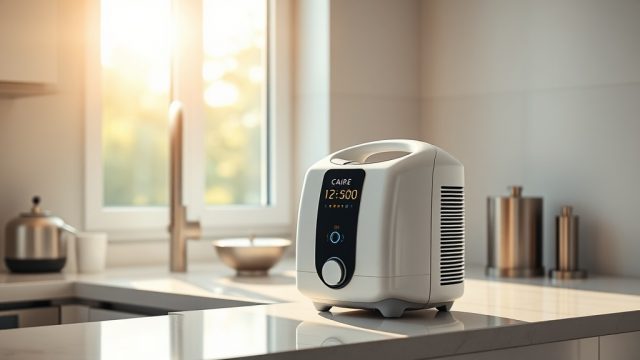
The OxyGuide Comfort is a reliable portable oxygen concentrator designed for users who need consistent oxygen therapy on the go. Its lithium-ion battery pack powers the device for up to 8 hours at the lowest setting, making it a popular choice for travel and daily use. However, like all rechargeable batteries, the OxyGuide Comfort battery will degrade over time, requiring replacement to maintain optimal performance. This guide provides step-by-step instructions for replacing the battery, along with essential tips to extend battery life and troubleshoot common issues. Whether you are experiencing rapid discharge or unexpected shutdowns, knowing how to replace the battery correctly ensures your device remains dependable.
Battery replacement is a straightforward process that most users can perform at home with minimal tools. The key is to purchase a genuine OxyGuide Comfort battery from an authorized dealer, as third-party batteries may not meet safety or performance standards. This article covers everything from identifying when a replacement is needed to properly installing and disposing of the old battery. We will also address common concerns such as battery drain while idle and low oxygen alarms linked to battery issues. For more in-depth troubleshooting, read our guide on OxyGuide Comfort Troubleshooting: Low Oxygen Alarms and How to Fix Them.
How Do I Know When My OxyGuide Comfort Battery Needs Replacement?
Recognizing the signs of a failing battery is the first step to ensuring uninterrupted oxygen therapy. The OxyGuide Comfort has a built-in battery indicator that shows charge levels, but more subtle symptoms often appear before the battery completely fails. Users should watch for the following warning signs:
- Reduced runtime: If your battery used to last 6 hours on setting 2 but now only lasts 2–3 hours, the cells are likely degraded.
- Frequent low-battery alarms: The device may trigger a low-battery alarm even when the indicator shows 20–30% remaining.
- Swelling or physical damage: A bulging battery case indicates internal cell failure and requires immediate replacement.
- Overheating during charging: While some warmth is normal, excessive heat suggests battery malfunction.
- Device shutting down unexpectedly: Sudden power loss without warning often points to battery failure.
Battery degradation typically begins after 300–500 charge cycles, which corresponds to 18–24 months of daily use. Environmental factors like extreme temperatures can accelerate this process. If you experience any of these symptoms, perform a capacity test: fully charge the battery, run the device at a fixed flow setting, and track how long it lasts. A drop below 60% of the original rated capacity (e.g., less than 4.8 hours on a 8-hour battery) indicates it is time for a replacement. For cases where the battery drains while idle, refer to our guide on OxyGuide Comfort Battery Drain While Idle: Common Causes and Fixes.
What Tools and Parts Do I Need for the Replacement?
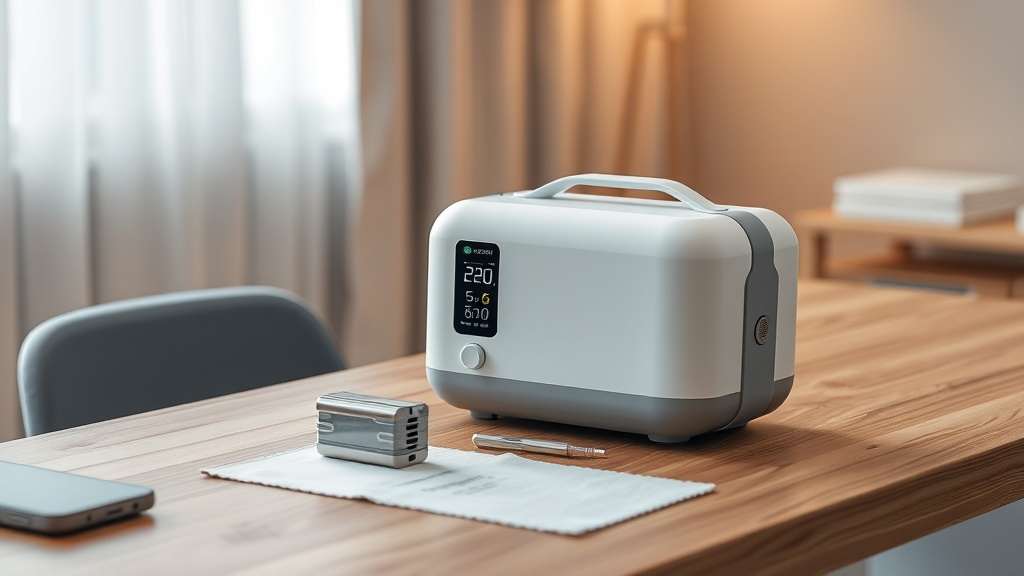
Replacing the OxyGuide Comfort battery requires very few tools, but using the correct replacement part is critical. Below is a complete list of what you need:
| Item | Specification | Estimated Cost (USD/CAD/EUR) | Notes |
|---|---|---|---|
| Replacement battery | OxyGuide Comfort lithium-ion, 14.4V, 6600mAh (95Wh) | $150–$200 USD / $200–$270 CAD / €140–€190 | Only purchase from authorized OxyGuide dealers or manufacturer |
| Small flathead screwdriver | Standard, 3mm tip | $5–$10 USD / $7–$14 CAD / €4–€9 | Used to pry open the battery compartment cover |
| Clean microfiber cloth | Lint-free | $3–$8 USD / $4–$11 CAD / €3–€7 | For cleaning contacts and compartment |
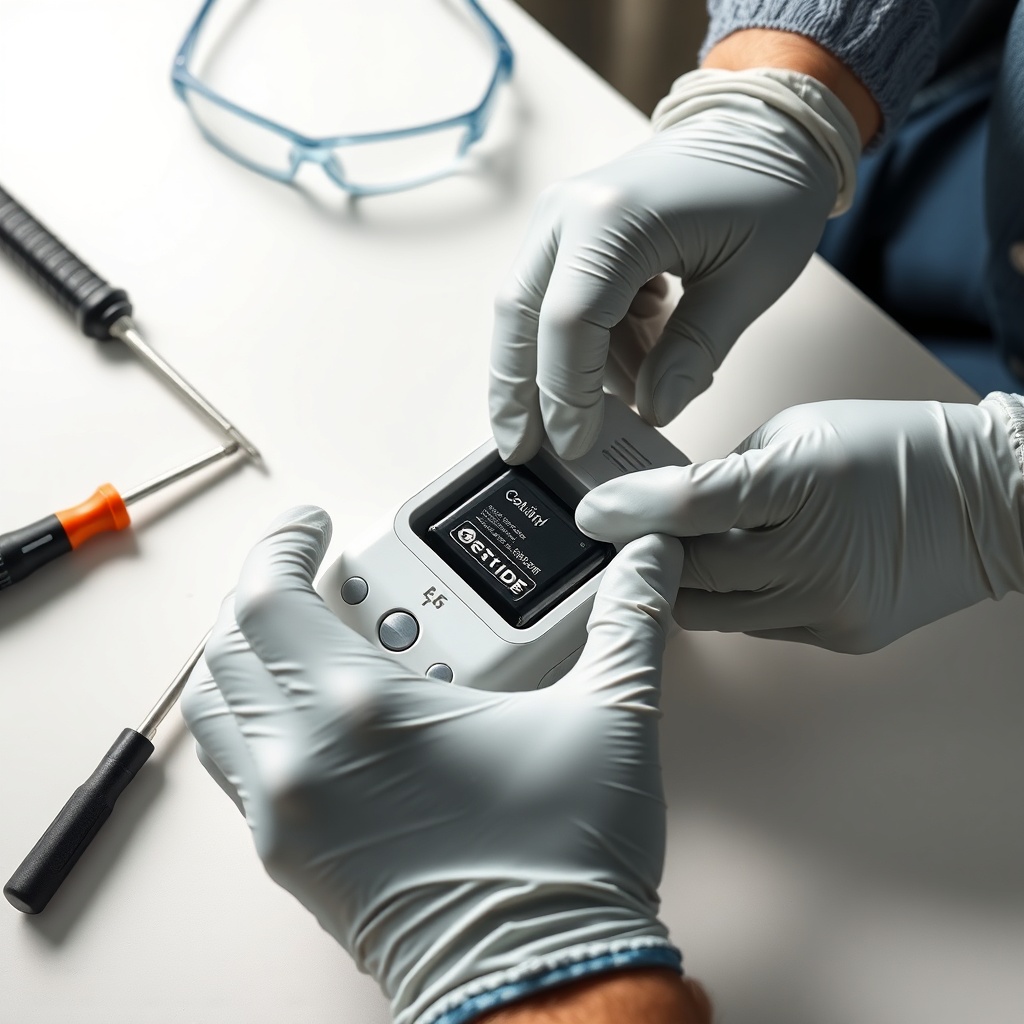
| Safety gloves (optional) | Nitrile or latex | $5–$15 USD / $7–$21 CAD / €4–€14 | Recommended if battery shows signs of swelling |
| ESD wrist strap (optional) | Anti-static | $10–$20 USD / $14–$28 CAD / €9–€19 | Protects sensitive electronics |
Always verify the battery model number (printed on the old battery and device label) to ensure compatibility. The OxyGuide Comfort uses a proprietary battery design—do not attempt to modify a generic lithium-ion pack. Using a non-certified battery may void the warranty and create safety risks. If you intend to use the device while charging in a vehicle, check our OxyGuide Comfort Car Charging: How to Power Your Device on the Road for compatible car chargers.
Step-by-Step Battery Replacement Instructions
Follow these instructions carefully to replace the battery without damaging the concentrator. Always power off the device and disconnect from the charger before starting.
Step 1: Power Down and Prepare the Work Area
Turn off the OxyGuide Comfort using the power button. Unplug any charging cables. Place the device on a stable, non-conductive surface such as a wooden desk. If available, wear an anti-static wrist strap to prevent electrostatic discharge.
Step 2: Locate the Battery Compartment
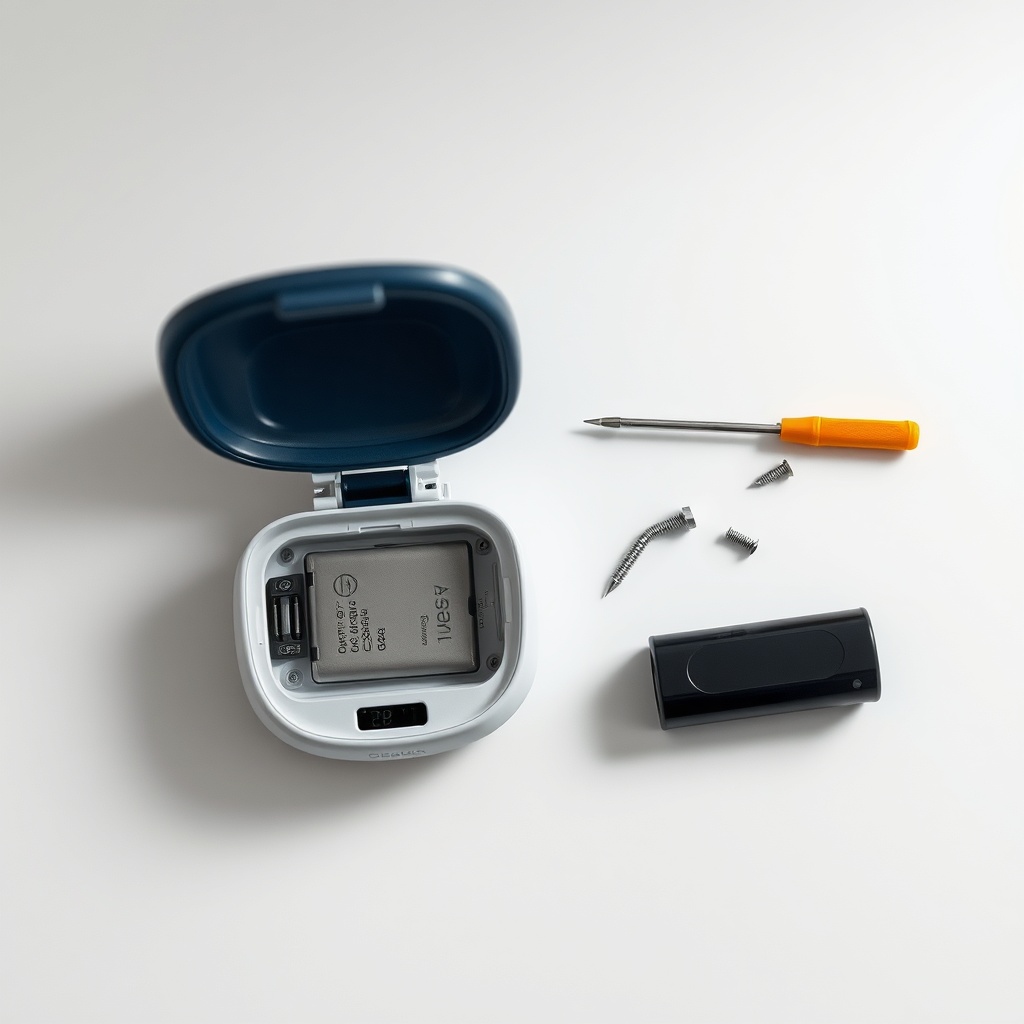
The battery compartment is on the bottom of the device, secured by two small Phillips-head screws. Use a flathead screwdriver to remove these screws carefully—they are tiny and can be stripped easily. Lift the compartment cover using the edge of the screwdriver. You will see the battery pack connected to the device via a wiring harness.
Step 3: Disconnect the Old Battery
Locate the JST connector where the battery wires meet the mainboard. Gently squeeze the connector’s latch and pull it straight out—do not yank the wires. Note the orientation of the connector (red wire to positive, black to negative) for reinstallation. Lift the old battery out of the compartment.
Step 4: Install the New Battery
Insert the new battery into the compartment, aligning the connector with the mainboard port. Push the connector until it clicks into place. Ensure no wires are pinched or obstructing the compartment seal. If the compartment has foam padding, reposition it around the battery.
Step 5: Replace the Cover and Screws
Set the compartment cover back into place. Tighten the two screws hand-tight—over-tightening can crack the plastic. Wipe the exterior with a clean microfiber cloth to remove dust.
Step 6: Test the New Battery
Power on the OxyGuide Comfort. The battery indicator should show a charge (if pre-charged). Run the device at setting 2 for 10 minutes to confirm no error codes appear. If the device beeps or shows an alarm, refer to our troubleshooting guide for OxyGuide Comfort Battery Not Holding Charge: Solutions.
How Can I Extend the Life of My New OxyGuide Comfort Battery?
Proper care can double the lifespan of your replacement battery. The OxyGuide Comfort battery performs best when stored between 20°C (68°F) and 25°C (77°F). Avoid leaving the device in hot cars or direct sunlight, as high temperatures accelerate cell degradation. For long-term storage (more than a month), keep the battery at 50% charge rather than fully charged or fully drained. This reduces stress on the lithium-ion cells.
Charge cycles matter even when not in use. The battery technology in the OxyGuide Comfort uses a smart management system that prevents overcharging, but it is still advisable to disconnect the charger once the device reaches 100%. Fully discharging the battery on a regular basis also helps calibrate the battery gauge—about once every 20 cycles, let the device run until it shuts down automatically, then recharge fully. Avoid running the concentrator at maximum flow settings continuously, as this draws more current and generates additional heat. For performance at high altitudes, consult our OxyGuide Comfort Altitude Performance Test: Does It Work at High Elevations?.
What Safety Precautions Should I Follow?
Battery replacement involves handling a high-capacity lithium-ion pack that can pose fire risks if damaged. Always inspect the new battery for physical defects before installation. If the old battery is swollen, leaking, or hot, place it in a fireproof container immediately and contact local hazardous waste disposal services. Do not attempt to recharge a damaged battery.
- Never puncture or apply pressure to the battery case. Use only the designated screwdriver for opening the compartment.
- Avoid mixing battery types. Replace the battery with the same model number (e.g., OGC-BAT01). Mixing chemistries can cause voltage mismatches.
- Keep away from moisture. The OxyGuide Comfort is not fully waterproof. Do not operate it in rain or high humidity environments during replacement.
- Dispose of old batteries properly. Recycle them at e-waste centers—never throw lithium-ion batteries in household trash.
If you encounter any error codes during the replacement process, especially low-oxygen alarms, it may be due to a loose connector or incompatible battery. Check the connector alignment and ensure the battery is seated firmly. Our guide on OxyGuide Comfort Troubleshooting: Low Oxygen Alarms and How to Fix Them provides additional steps to resolve such issues.
What Owners Say About the OxyGuide Comfort Battery Replacement
User experiences with OxyGuide Comfort battery replacement are generally positive, but common themes emerge from online communities and product reviews. Many owners appreciate the simplicity of the process, noting that it takes 15–20 minutes even for first-timers. One owner from Toronto reported, “I replaced my battery in 10 minutes with just a screwdriver. The new battery gave me back my full 6-hour runtime on setting 3. I couldn’t be happier.” Another user in Florida highlighted the importance of using genuine parts: “I tried a third-party battery once, and it triggered a low-oxygen alarm within an hour. After switching to OxyGuide’s official battery, no issues.”
Frustrations mainly involve the cost, with some users feeling that $150–$200 USD per battery is steep. However, most acknowledge that the price reflects the safety certifications and the 12-month warranty included. A retiree in the UK shared: “My original battery saved me money on rental oxygen tanks. Replacing it every two years is worth it for the freedom it gives me.” Noise levels also come up in comparisons—owners who switch to the Philips SimplyGo Mini often mention its quieter operation. For a side-by-side analysis, read our OxyGuide Comfort vs Philips SimplyGo Mini: Which is Quieter?.
Frequently Asked Questions
Q: How often should I replace the OxyGuide Comfort battery?
A: Typically every 18–24 months, or after 300–500 charge cycles, depending on usage. If runtime drops below 60% of the original capacity, replace it.
Q: Can I use a higher-capacity battery from another brand?
A: No. The OxyGuide Comfort is designed for a specific battery model. Using third-party batteries can damage the internal components and void the warranty.
Q: My new battery shows 100% charge but the device shuts down after 30 minutes. What’s wrong?
A: This may be a calibration issue. Fully discharge the device by running it at setting 2 until it powers off, then fully recharge. If the problem persists, contact OxyGuide support—there may be a battery defect.
Q: Is it safe to replace the battery myself?
A: Yes, as long as you follow the safety guidelines in this guide. If you are uncomfortable, you can have an authorized technician perform the replacement for a fee (typically $30–$50 USD plus battery cost).
Q: How do I dispose of the old battery?
A: Take it to a certified e-waste recycling center. Many electronics stores or municipal drop-off points accept lithium-ion batteries. Never incinerate or bury them.
Q: Will replacing the battery fix low-oxygen alarms?
A: In some cases, yes. A failing battery can cause voltage drops that trigger false alarms. However, if the battery is new and alarms persist, check oxygen sensor issues or see our troubleshooting guide on low-oxygen alarms for further diagnostics.