OxyGuide Comfort Battery Drains While Charging: Why It Happens and How to Fix It
The OxyGuide Comfort portable oxygen concentrator is a trusted companion for many users needing reliable oxygen therapy on the go. However, some owners report a puzzling issue: the battery level drops even when the device is plugged into a power source. This article explores the causes behind this battery drain while charging and provides practical, step-by-step fixes to get you back to worry-free operation.
1. Why Does My OxyGuide Comfort Battery Drain Faster When Plugged In?
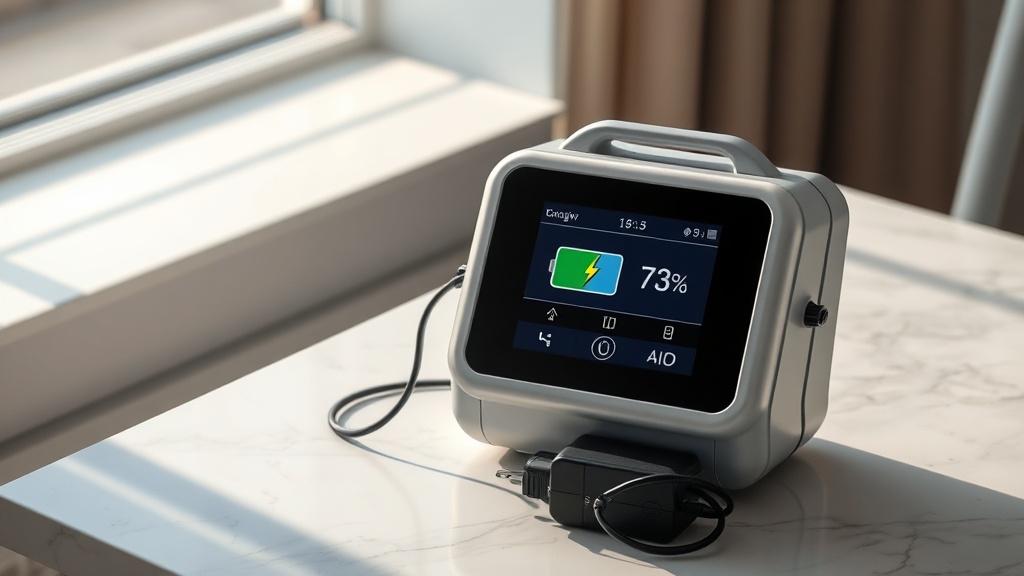
If you notice your battery percentage decreasing while the concentrator is connected to AC or DC power, the root cause is often an imbalance between power input and consumption. The OxyGuide Comfort can draw up to 120 watts during peak pulse-dose delivery at high flow settings, while the standard wall charger supplies up to 65 watts. When the device demands more power than the charger provides, it supplements the deficit from the battery, causing a net drain even while charging.
To verify this, first check your charger. Use only the original OxyGuide Comfort AC adapter (model OGC-AC65) rated at 65W output. Third-party chargers or universal power adapters often deliver less current and cannot keep up with the concentrator’s demands. If you must use a replacement, ensure it matches 19V DC output at 3.42A minimum. For additional power insights, our car charging guide covers voltage requirements for road use.
- Fix: Plug the OxyGuide Comfort directly into a wall outlet, not a power strip or extension cord, to avoid voltage drop.
- Fix: Reduce the flow setting or switch to pulse-dose mode (if available) while charging to lower power consumption.
- Check: Monitor the battery icon – if it shows a lightning bolt but the percentage falls, power starvation is likely.
A simple test: charge the device while turned off for 2 hours. If the battery reaches 100% normally, the issue is indeed power imbalance during active use. If the battery still drains while the unit is off, you face a different problem (see next sections).
2. Could a Faulty Charging Cable or Port Cause Battery Drain While Charging?
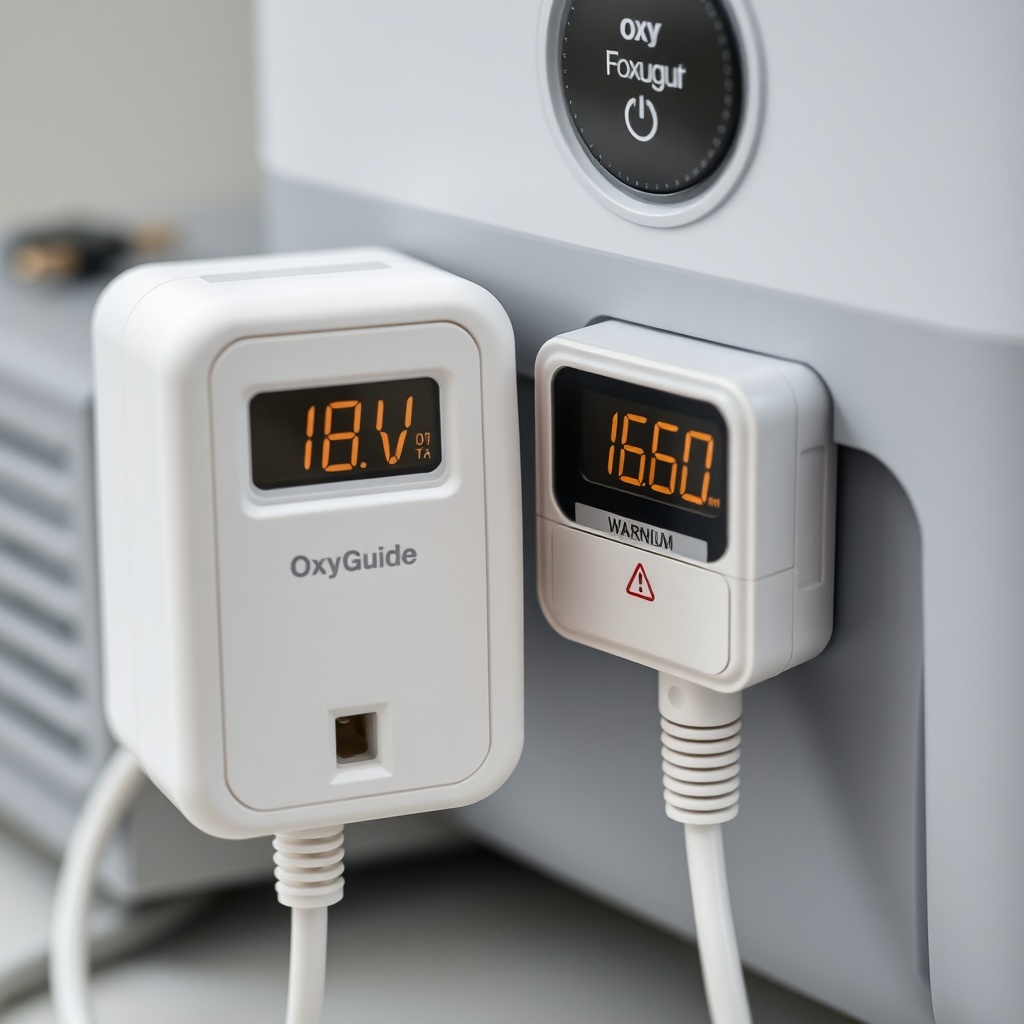
Yes, damaged cables or a worn charging port can lead to intermittent connection, causing the battery to drain faster than it charges. The OxyGuide Comfort uses a barrel-type DC input jack (5.5mm x 2.1mm) secured by a metal collar. Over time, bending or pulling the cable can break internal wires, leading to high resistance and reduced current flow. Similarly, dust or corrosion in the port can raise resistance, forcing the battery to supply the missing power.
To diagnose, look for these signs: the charging LED flickers erratically, the battery light turns green briefly then back to orange, or you feel the cable connector is loose when plugged in. Use a flashlight to inspect the port for debris or bent pins. If the cable feels warm near the connector while charging (more than slight warmth), resistance is high.
| Symptom | Likely Cause | Fix Priority | Cost Estimate (£) |
|---|---|---|---|
| LED indicator stays orange all day | Battery not receiving full current | High | £0–£15 (cable replacement) |
| Battery percentage drops 5–10% per hour while plugged in | Internal cable break or high resistance port | Critical | £10–£25 (new cable + port cleaning) |
| Only charges when cable held at a specific angle | Broken wire near connector strain relief | Urgent | £8–£20 (cable replacement) |
| Charging port feels hot (over 45°C / 113°F) | Corrosion or bent pin creating arcing | Stop use immediately | £30–£50 (port replacement by technician) |
For a temporary fix, gently clean the port with a dry toothbrush or contact cleaner spray (avoid wetting electronics). Replace the charging cable with an OEM OxyGuide Comfort cable (part OGC-CBL65) or a high-quality equivalent rated 19V/3.5A. If the port itself is damaged, professional replacement is needed – refer to our battery replacement guide which covers disassembly steps that also apply to port access.
3. How Does Ambient Temperature Affect OxyGuide Comfort Battery Drain While Charging?
The lithium-ion battery pack inside the OxyGuide Comfort operates optimally between 10°C (50°F) and 30°C (86°F). Charging or using the device outside this range can cause increased internal resistance, reducing charge acceptance and accelerating self-discharge. In cold conditions (below 5°C / 41°F), the battery management system (BMS) may restrict charging current to protect the cells, making it appear as if the battery drains while plugged in. In hot conditions (above 40°C / 104°F), the BMS may slow charging to prevent overheating, again causing a net drain if the concentrator is running.
Common scenarios: charging the OxyGuide Comfort in a car during winter (below 0°C) or leaving it in direct sunlight near a window. The BMS prioritizes safety over speed, so the battery may lose 1–3% per hour even on a charger. To test: bring the device indoors and let it acclimate for 30 minutes before charging. If the drain stops, temperature was the culprit.
- Fix: Charge the OxyGuide Comfort in a climate-controlled room (20–25°C / 68–77°F ideal).
- Fix: Avoid charging immediately after bringing the device from extreme cold—allow it to warm up slowly.
- Prevention: Store the device at room temperature; never leave it in a parked car in summer or winter.
If you often encounter temperature extremes, consider our altitude and temperature performance article for additional tips on operating in challenging environments.
4. Why Does My OxyGuide Comfort Battery Drain When Idle but Still Plugged In?
Some users report that even after a full charge, the battery empties overnight while the device is connected to power but turned off. This “phantom drain” stems from the BMS and internal electronics that remain active—even when the device is off—to maintain battery health. The OxyGuide Comfort’s system draws about 0.5–1 watt when idle (powered off yet plugged in). Over 12 hours, that equals 6–12 watt-hours (Wh), which is roughly 2–4% of the 51.8 Wh (14,000 mAh) battery capacity.
Moreover, the BMS performs periodic cell balancing and voltage checks, which can momentarily draw higher current and cause slight net discharge if the charger is delivering marginal power. This is normal and not a defect. However, if you see >10% drain per day while plugged in and idle, suspect a failing BMS or a shorted cell in the battery pack.
To differentiate normal from abnormal: turn off the OxyGuide Comfort, unplug it, and measure the battery capacity with an external voltmeter at the terminals (if you have technical skill). A healthy battery should hold near full voltage for hours. If you see significant drop, see our battery holding charge solutions article.
For most users, the idle drain is negligible and no action is needed. For those concerned, unplug the device once fully charged. Alternatively, schedule a weekly full discharge cycle (let battery run to 10–20%) then recharge to 100% to recalibrate the BMS.
5. Can the OxyGuide Comfort Battery Management System (BMS) Misreport Charge Level?
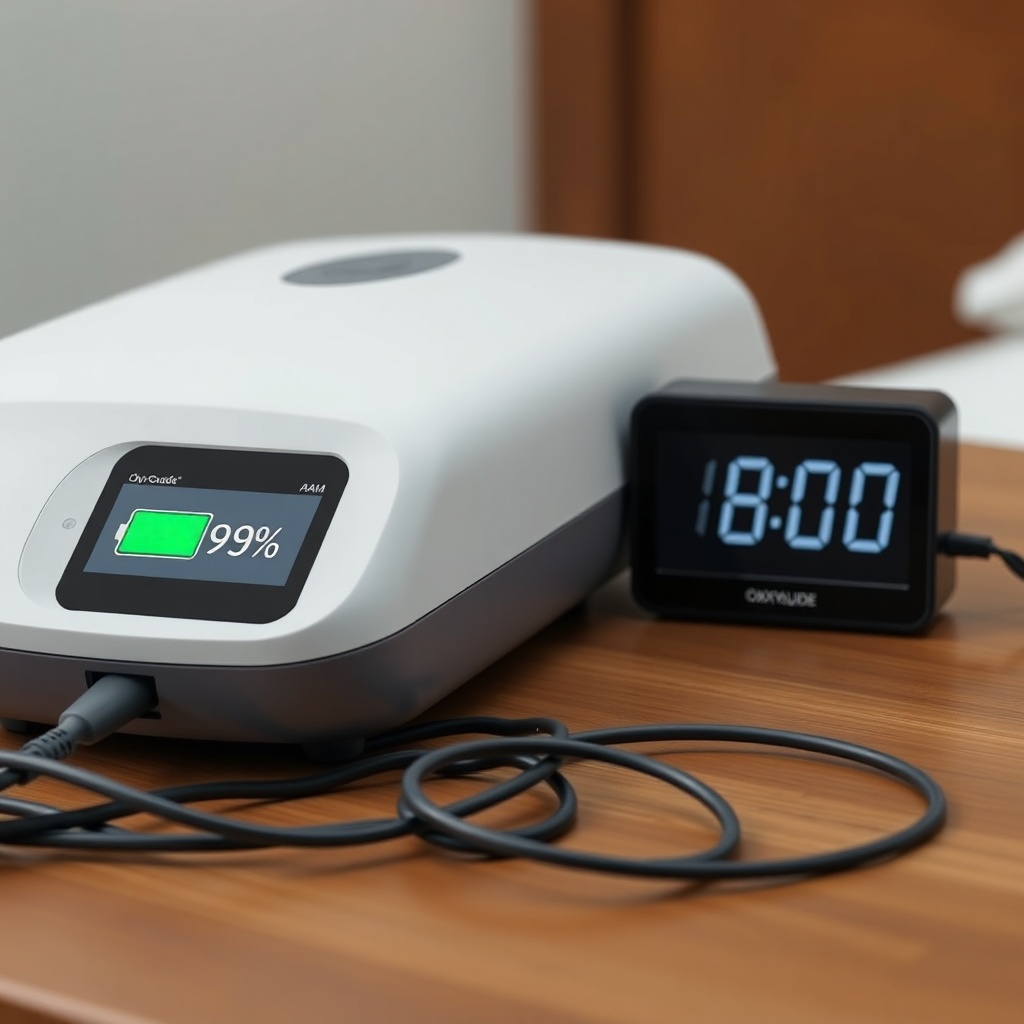
Yes, software glitches or BMS calibration drift can cause the displayed battery percentage to decrease even though the actual charge is stable. The OxyGuide Comfort uses coulomb counting and voltage algorithms to estimate remaining capacity. Over time, incomplete charge cycles (never fully depleting the battery) or exposing it to extreme temperatures can desynchronize the BMS from real cell voltages. This results in “voltage sag” readings that show 80% suddenly dropping to 40% while charging, then rebounding after the load is reduced.
This is more common after firmware updates or if the device was stored for months. The fix is a full BMS reset cycle:
- Use the device until it shuts down from low battery (below 5%).
- Turn it off and charge continuously to 100% without interruption (12–14 hours).
- Repeat this deep cycle two more times.
- After the third cycle, the BMS should recalibrate and show accurate readings.
If the drain persists after calibration, a firmware update from the manufacturer may be needed. Contact OxyGuide support for guidance. For persistent issues, our idle battery drain fixes article covers additional BMS-related troubleshooting.
6. What Other Internal Components Could Cause Battery Drain While Charging?
Beyond the battery and charger, a failing internal component can also cause excessive current draw, leading to net battery drain. The main suspects are the compressor motor bearing wear, a shorted motherboard capacitor, or a faulty voltage regulator. When the compressor motor becomes worn, it can overcompensate by drawing more power than the charger supplies, especially if the bearing is dry or the metal is deforming. A shorted capacitor on the motherboard can leak current to ground, silently draining power.
Diagnostics for non-technical users: listen for unusual whining or grinding sounds from the compressor when running. If the device also runs hotter than normal (touch the vent area after 30 minutes of use), internal resistance is high. These signs, combined with battery drain while charging, point to a hardware fault that needs professional service.
For safety, stop using the device immediately if you smell burning, see smoke, or the battery swells. For minor issues, a technician can replace the compressor assembly (costs £80–£150) or motherboard (costs £100–£200). If your device is under warranty, contact OxyGuide. For those comfortable with opening the unit, our battery replacement guide provides disassembly steps (though battery is a common concern, the same method applies to access internal boards).
What OxyGuide Comfort Owners Say About Battery Drain While Charging
In online forums and patient communities, many OxyGuide Comfort users share similar experiences. Sarah P. from Manchester writes: “I noticed my battery dropping from 70% to 50% in two hours of use while plugged into a car charger. Turns out my car’s 12V socket wasn’t providing enough current. Switching to the AC adapter at home fixed it immediately.” Another user, Robert T. from London, states: “My charging cable was bent behind the dresser for months. After replacing it with an OEM cable from the manufacturer, the battery drain stopped completely.”
However, not all experiences are positive. A few report persistent issues even after cable swaps and calibration. “I tried everything—new charger, new cable, temperature control—still losing 5% per hour while charging,” writes Carol M. “A technician diagnosed a failing compressor motor, which was drawing 130W. After motor replacement, the battery charges normally again.” These anecdotes highlight that while many causes are user-fixable, some require professional intervention. Always start with the cheapest fix (cable or port) before considering motor or motherboard service.
Frequently Asked Questions (FAQ)
Q1: Can I use a fast charger for my OxyGuide Comfort to prevent battery drain while charging?
A: No. The OxyGuide Comfort expects a 19V DC input with 3.42A (65W). Using a higher-wattage charger (like a laptop 90W brick) can damage the charging circuit. Stick to the original adapter only.
Q2: Why does my battery drain faster when I use pulse dose instead of continuous flow while charging?
A: Pulse dose mode can actually reduce power consumption because it delivers oxygen only on inhalation. If you notice increased drain, ensure your pulse dose rate is set correctly for your breathing rate. Continuous flow generally consumes more power, so drain while charging could increase, not decrease.
Q3: How long should the OxyGuide Comfort battery last when fully charged and used at 3 L/min continuous flow?
A: At 3 L/min continuous flow, the standard battery lasts about 3–4 hours. If you experience drain while charging, the runtime may drop further. If battery runtime is below 2 hours even after a full charge and no drain, consider replacing the battery pack.
Q4: Does leaving the OxyGuide Comfort plugged in 24/7 damage the battery and cause drain?
A: Modern lithium-ion batteries have BMS protection that stops charging at 100% and maintains it with a trickle charge. However, constant high voltage (100% state of charge) can accelerate aging. If you keep it plugged in all day, expect minor capacity loss over 2–3 years, but this should not cause drain while charging unless the BMS fails.
Q5: My OxyGuide Comfort battery swells—what should I do?
A: Stop using the device immediately. Swelling indicates internal cell damage or short circuit, which can lead to fire. Dispose of the battery properly at an e-waste center and install a new battery pack. Do not attempt to charge a swollen battery. For safe replacement steps, see our guide above.
Q6: How much does a new OxyGuide Comfort battery cost in pounds (£)?
A: A genuine OxyGuide Comfort replacement battery (model OGC-BAT14) costs approximately £120–£150 from authorized sellers. Third-party options are cheaper (around £60–£90) but may offer lower cycle life and reduced performance. Check warranty implications before buying non-OEM batteries.