
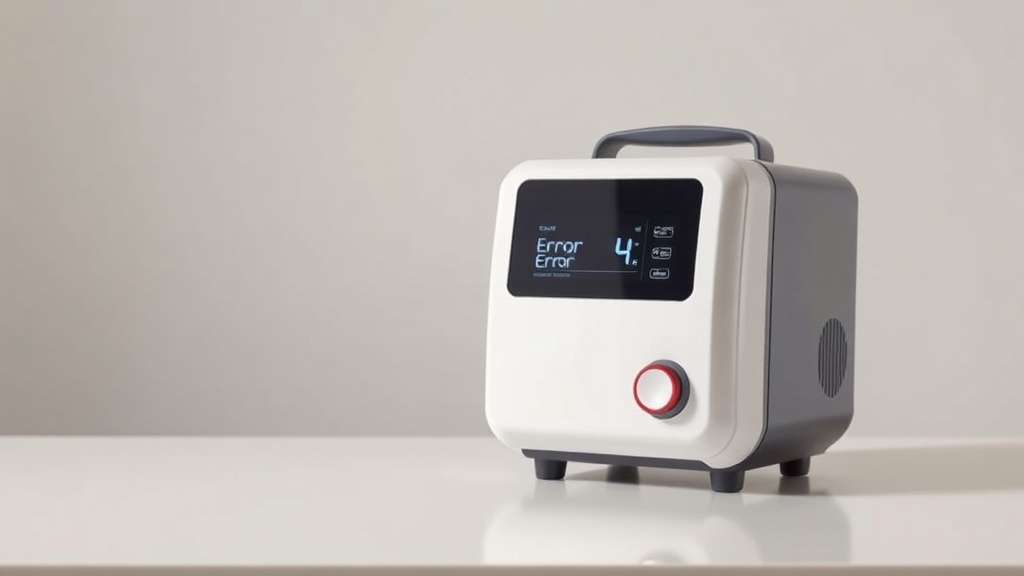
Inogen One G5 Error Codes: Troubleshooting Guide
The Inogen One G5 is a reliable portable oxygen concentrator, but like any sophisticated medical device, it can occasionally display error codes. This guide walks through the most common Inogen One G5 error codes, what they mean, and how to resolve them. Understanding these alerts will help you keep your device running smoothly and avoid unnecessary service calls.
What Does Error Code 3 Mean on My Inogen One G5?
Error Code 3 is one of the most frequently encountered alerts on the Inogen One G5. It indicates a low battery condition—specifically, that the internal battery has dropped below the usable voltage threshold. The device will continue operating if plugged into AC power, but the alarm will persist until the battery is recharged.
To resolve Error Code 3:
- Connect the device to the AC power supply and allow the battery to charge for at least 4 hours.
- Check the battery status indicator—if it flashes rapidly or stays amber, the battery may be depleted beyond recovery.
- If the error persists after a full charge, the internal battery likely needs replacement. A replacement Inogen One G5 battery costs approximately £250–£300 in the UK or $300–$350 in the US.
Most users see Error Code 3 only after years of regular use. If your device is still under warranty (typically 3–5 years), contact Inogen customer support for a free replacement.
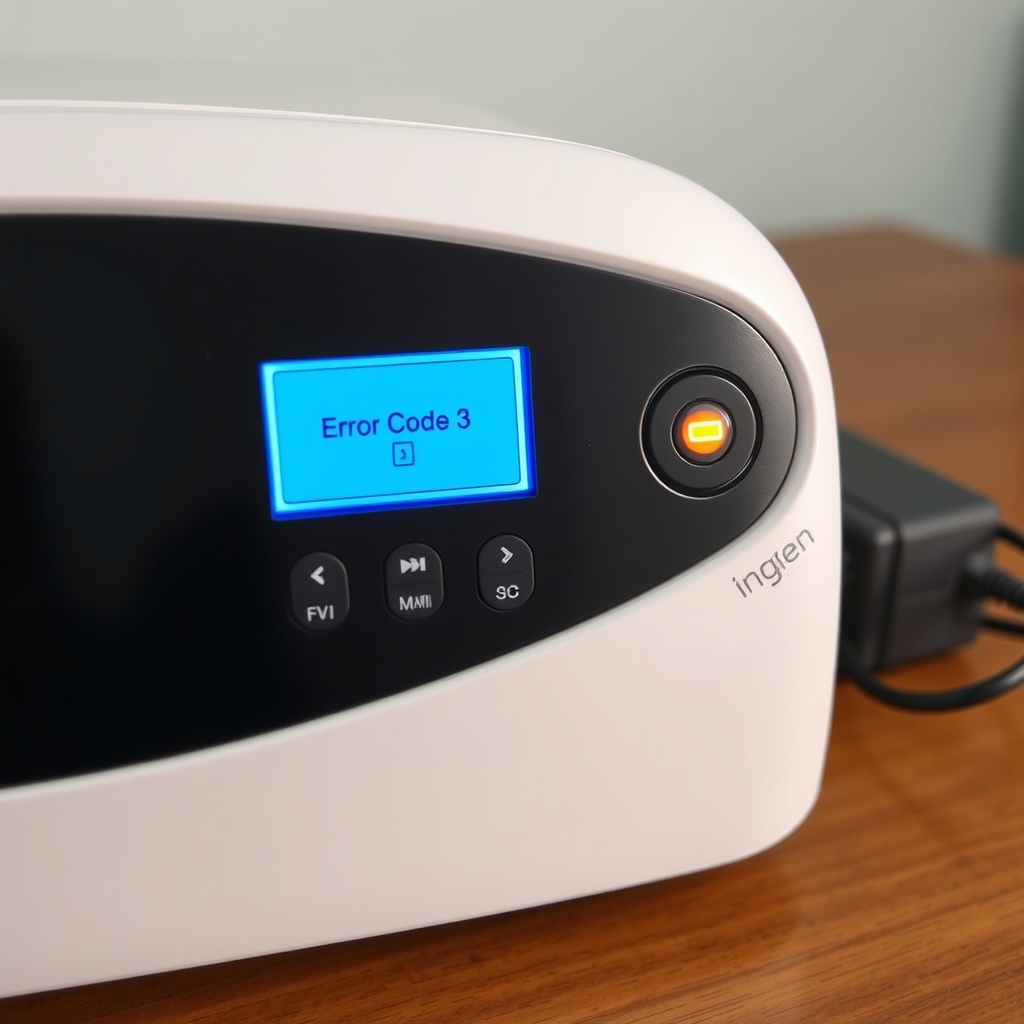
How Do I Fix Error Code 4 Inogen One G5 (Flow Sensor Failure)?
Error Code 4 signals a flow sensor malfunction. The internal flow sensor monitors the amount of oxygen being delivered, and when it reads outside the normal range, the device shuts down as a safety precaution. This can happen if the cannula is kinked, the filter is clogged, or the sensor itself has failed.
Troubleshooting steps:
- Inspect the nasal cannula for kinks, bends, or blockages—straighten the tubing and try again.
- Remove and clean the intake filter (located on the side of the unit). Rinse it under lukewarm water, let it air-dry completely, and reinstall.
- Check for any visible debris inside the cannula connector port.
- Power cycle the device: turn it off, unplug for 60 seconds, restart.
If the error continues, the flow sensor may require professional recalibration. This is not a user-serviceable part; you’ll need to contact Inogen service or an authorised repair centre. Avoid using the device with Error Code 4, as oxygen delivery may be inaccurate.
For advice on selecting the right settings before travel, see our Inogen One G5 Pulse Dose Settings Explained.
Why Is My Inogen One G5 Showing Error Code 5 (High Temperature)?
Error Code 5 indicates the internal temperature has exceeded safe operating limits. The G5 has thermal sensors that trigger this alert when ambient temperatures are too high, ventilation is blocked, or the cooling fan has failed.
Common causes and fixes:
- The device is placed on a soft surface (bed, sofa, car seat) that blocks air intake vents. Move it to a hard, flat surface.
- Room temperature is above 40°C (104°F). Relocate the device to a cooler area.
- The fan is not spinning. Listen for the fan sound—if silent, the fan motor may be defective.
Allow the unit to cool down for 30 minutes in a shaded, ventilated area before restarting. Repeated Error Code 5 events suggest a failing fan, which requires service. Avoid using the device in direct sunlight or enclosed spaces like car trunks.
For users who travel frequently, learning how to pack your concentrator properly matters. Check our Best Travel Cases for Inogen One G5 to ensure airflow isn’t blocked by your carrying solution.
| Error Code | Severity | Typical Cause | Action Required |
|---|---|---|---|
| 3 | Usually not urgent | Low battery voltage | Charge battery; replace if old |
| 4 | Needs attention soon | Flow sensor fault | Check cannula/filter; service if persists |
| 5 | Needs attention soon | High temperature | Cool unit; check vents and fan |
| 6 | Usually not urgent | Minor system error | Power cycle; update firmware |
| 7 | Needs attention soon | Pump or valve fault | Stop use; contact service immediately |
| 8 | Usually not urgent | Battery communication error | Reconnect battery; clean contacts |
What Does Error Code 6 Mean and How to Clear It?
Error Code 6 is a general system fault that can arise from temporary communication glitches between the main board and subcomponents. It is often the least serious error and clears with a simple power cycle.
To clear Error Code 6:
- Turn off the device and disconnect from AC power.
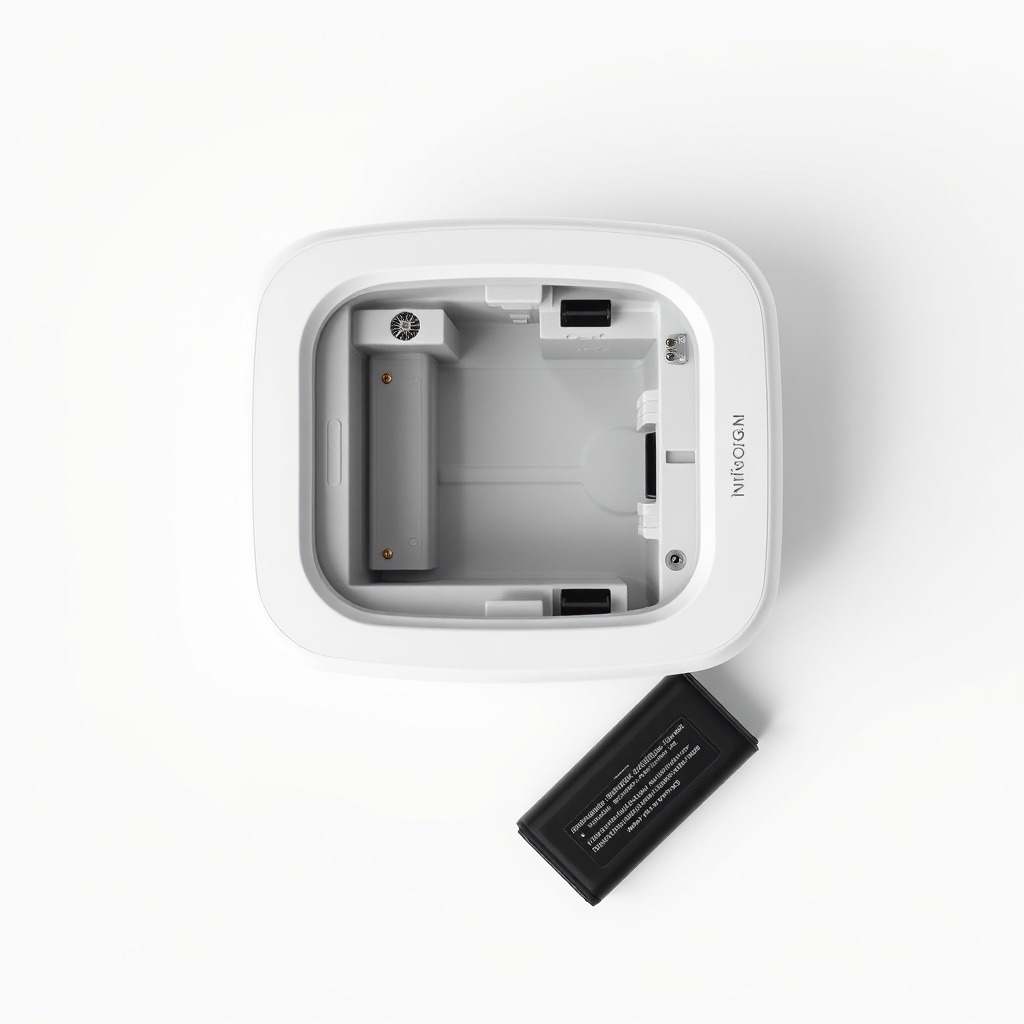
- Remove the internal battery if possible (on the G5, the battery is removable via the rear compartment).
- Wait 5 minutes, then reconnect battery and power.
- Restart the device. If the error reappears, the firmware may need updating—visit Inogen’s support site to check for updates.
If Error Code 6 occurs repeatedly, it could indicate a failing main board or power supply. Document how often it appears and contact Inogen support. However, most users experience it only once or twice over the device’s life.
Before you commit to a purchase, read our Inogen One G5 Buying Guide: What to Know Before You Buy to understand common reliability issues.
Error Code 7 and 8: Should I Be Worried?
Error Code 7 indicates a pump or valve fault—the compressor that generates oxygen-enriched air isn’t functioning correctly. This is a serious issue requiring immediate attention. Continuing to use the device on Error Code 7 risks delivering insufficient oxygen or damaging internal components.
Error Code 8 is a battery communication error. The device cannot read the battery’s status correctly. This often happens with third-party batteries or if the battery contacts are dirty. Clean the metal contacts with a dry cloth, reseat the battery, and restart. If using a non-Inogen battery, switch to an OEM pack for best results.
For Error Code 7, stop using the unit and call Inogen service. Do not attempt to open the device—the pump assembly involves high voltages and sealed components. Repair costs for pump faults run around £400–£500 ($500–$600) out of warranty. For Error Code 8, try a different battery first; if the error continues with multiple batteries, the main board may need replacement.
What Owners Say
Users of the Inogen One G5 report mixed feelings about error codes. Many appreciate that the device gives clear, numbered alerts rather than vague beeps. “Error Code 3 showed up after three years of daily use—I just needed a new battery. Easy fix,” says one long-time owner. Another notes, “Error Code 5 happened twice during a heatwave. The manual said to keep it in shade, but who carries a shade? I now put a frozen water bottle near the intake vent.”
However, some owners find the service response frustrating. “Got Error Code 7 on a Saturday, and the support line was closed until Monday. I had to use my old tank setup that weekend,” reports a frequent traveller. The consensus is that knowing the codes in advance—and having a backup plan—removes much of the stress.
Frequently Asked Questions
Does the Inogen One G5 show error codes on the screen?
Yes. The LCD screen displays a numeric error code (e.g., “Error 4”) along with a brief description in some firmware versions. Older firmware shows only the number—refer to the manual for decoding.
Can I clear an error code without going to service?
Some errors (3, 6, 8) clear with simple steps like charging, power cycling, or cleaning battery contacts. Errors 4, 5, and 7 usually require professional diagnosis if basic fixes don’t work.
Will my Inogen One G5 still deliver oxygen during an error?
Most errors trigger a safety shutdown—the device stops delivering oxygen. Do not rely on it if an error is active. Use a backup source until the unit is restored.
How often do error codes appear on the G5?
Error codes are rare in new units. After 2–3 years of regular use, codes 3 and 8 become more common as batteries age. Other codes are unusual unless there is a defect or misuse.
Are aftermarket batteries more likely to cause error codes?
Yes. Third-party batteries often lack the proper communication protocol, triggering Error Code 8. Stick to Inogen-branded batteries for reliable operation.
Can I update the firmware to fix error codes?
Inogen occasionally releases firmware updates that resolve minor glitches (like intermittent Error 6). Check the Inogen support website or contact customer service for update instructions.