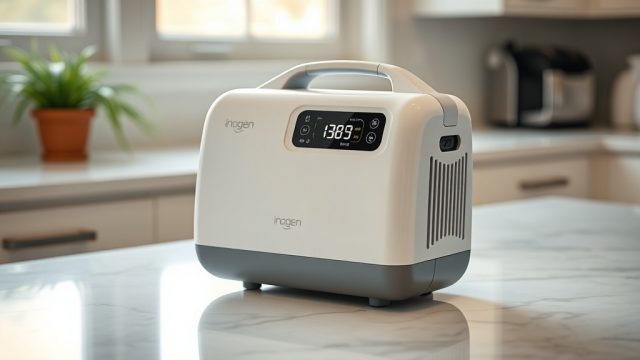
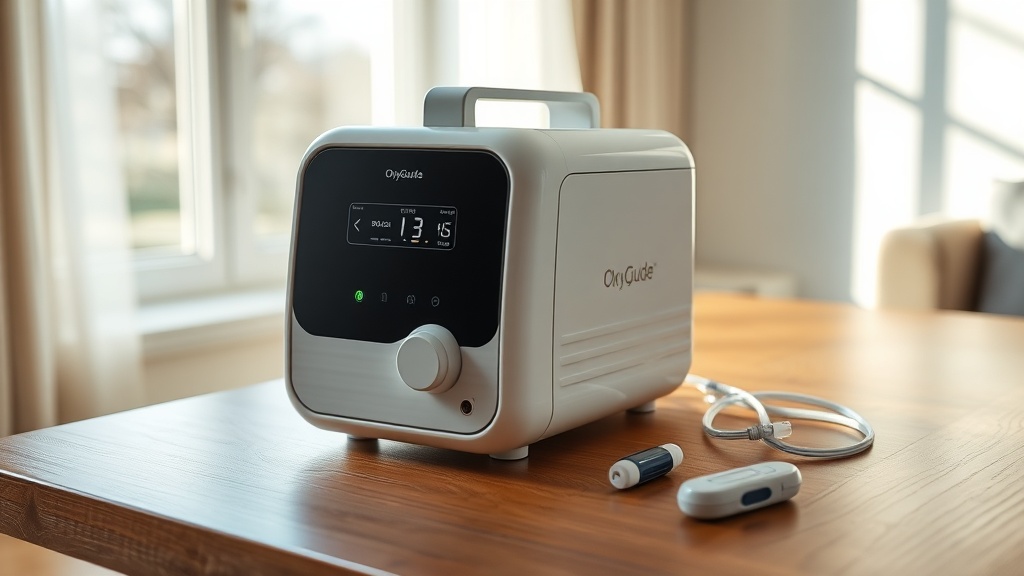
What Exactly Are Pulse Dose Settings on the OxyGuide Comfort?
Pulse dose settings on the OxyGuide Comfort determine how much oxygen is delivered with each breath you take. Unlike continuous flow, which provides a steady stream of oxygen regardless of breathing, pulse dose delivery releases a measured bolus of oxygen only when you inhale. This intelligent system conserves battery life and reduces waste, making the device highly efficient for active users.
The OxyGuide Comfort offers six pulse dose settings, labeled 1 through 6. Each setting corresponds to a specific volume of oxygen per breath, measured in milliliters (mL). For example, setting 1 delivers approximately 210 mL per minute at a standard breathing rate of 20 breaths per minute, while setting 6 provides around 1260 mL per minute under the same conditions. This graduated approach allows clinicians and users to fine-tune oxygen delivery based on activity level and saturation needs.
The key advantage of pulse dose is its synchronization with your natural breathing rhythm. The device uses a sensitive pressure sensor to detect the start of each inhalation, triggering a precisely timed oxygen burst. This minimizes oxygen waste during exhalation and extends the lifespan of the lithium-ion battery, making it ideal for long-duration outings.
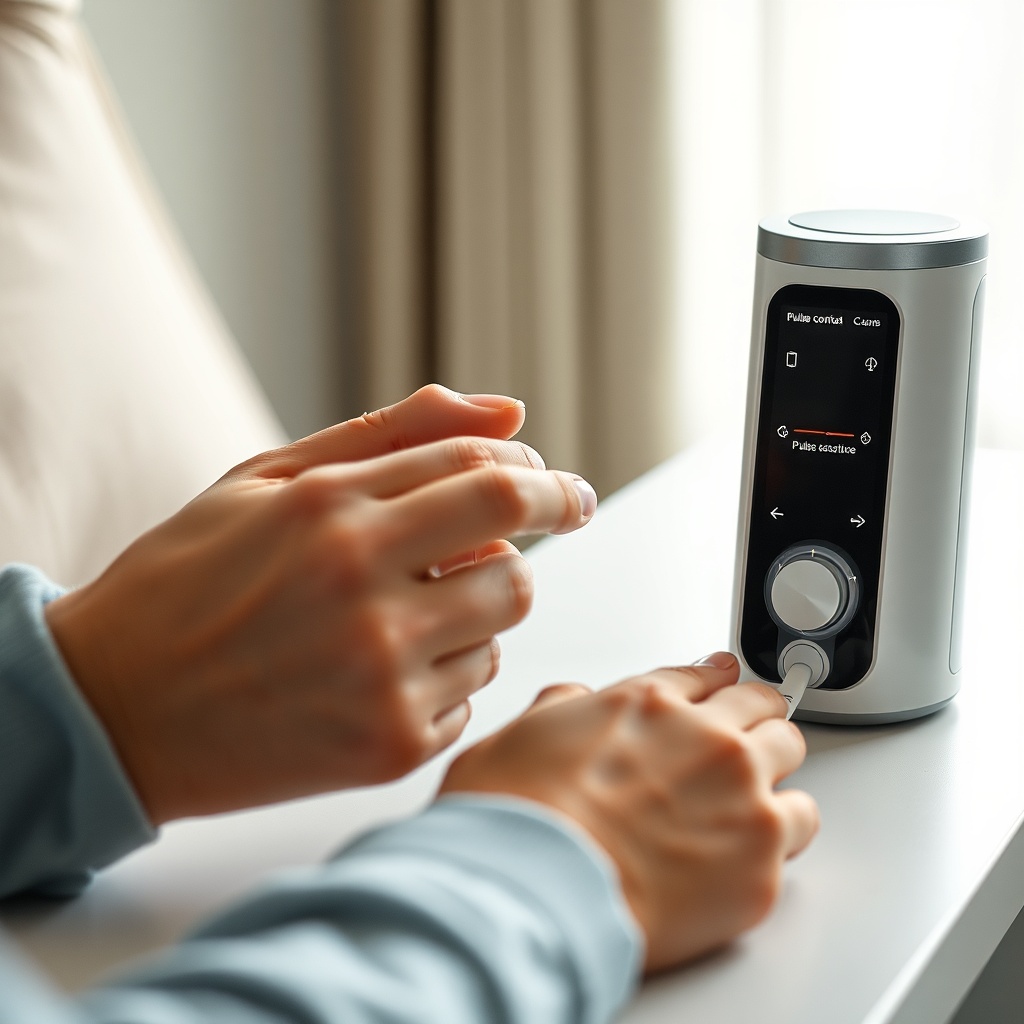
How Does the OxyGuide Comfort Translate Settings to Oxygen Delivery?
Understanding the relationship between pulse dose setting and actual oxygen volume is crucial for proper therapy. The OxyGuide Comfort operates based on a standardized calibration at 20 breaths per minute (bpm). At this breathing rate, each setting corresponds to a specific effective liter flow, comparable to continuous flow. The table below outlines the approximate equivalencies for typical use.
| Pulse Dose Setting | Oxygen Volume Per Breath (mL) | Equivalent Continuous Flow (L/min at 20 bpm) | Estimated Battery Duration (hours with 8-cell battery) |
|---|---|---|---|
| 1 | 10.5 | 0.21 L/min | 13.0 |
| 2 | 21.0 | 0.42 L/min | 10.5 |
| 3 | 31.5 | 0.63 L/min | 8.0 |
| 4 | 42.0 | 0.84 L/min | 6.5 |
| 5 | 52.5 | 1.05 L/min | 5.0 |
| 6 | 63.0 | 1.26 L/min | 4.0 |
Note that these values are approximate and depend on individual breathing patterns. Fast or shallow breathing may reduce effective delivery, while deep, slow breaths can improve oxygen absorption. The OxyGuide Comfort automatically adjusts the timing of the pulse based on your breath rate, ensuring consistent dosing even if you breathe faster or slower than 20 bpm. For a detailed breakdown of how the device performs in real-world scenarios, see our user review.
When Should You Change Your Pulse Dose Setting?
Choosing the correct pulse dose setting is highly individual and depends on several factors: your prescribed oxygen flow rate, activity level, altitude, and oxygen saturation targets. Most healthcare providers prescribe a setting based on resting saturation levels, but activity-related needs may differ. For example, a user prescribed continuous flow at 1 L/min at rest might use pulse dose setting 3 during sedentary periods, but need setting 5 during walking or exercise.
The general guideline is to adjust upward when oxygen saturation drops below 90% consistently, such as during or after physical exertion. Conversely, if your saturation remains above 96% at rest, you may be able to lower the setting to conserve battery. The OxyGuide Comfort includes a visual saturation monitor (when used with an optional fingertip pulse oximeter) that can guide real-time adjustments.
It is also important to consider altitude changes. At higher elevations, atmospheric oxygen decreases, so your body may require a higher setting. Many users report needing to increase by 1–2 settings when traveling from sea level to mountain destinations. Always consult your physician before making changes to your prescribed settings, and never exceed the maximum setting for your prescribed liter flow.
For a comprehensive comparison of how the OxyGuide Comfort stacks up against other devices, check our comparison with the Inogen One G5.
How Does Pulse Dose Impact Battery Life on the OxyGuide Comfort?
Battery life is one of the most critical considerations for portable oxygen concentrator users. The OxyGuide Comfort’s pulse dose system directly influences how long you can use the device between charges. Because pulse dose only delivers oxygen during inhalation, it significantly reduces the total volume of oxygen produced compared to continuous flow. This efficiency translates to longer battery runtimes.
As shown in the table above, running at setting 1 can yield up to 13 hours of use on a full charge with the standard 8-cell battery, while setting 6 reduces runtime to about 4 hours. For users needing moderate flow, setting 3 (approximately 8 hours) offers a good balance between therapy and autonomy. The device also supports hot-swappable batteries, so you can carry a spare to extend usage indefinitely.
The battery duration stated by the manufacturer is measured under controlled laboratory conditions (20 bpm, room temperature). Real-world factors such as cold weather, frequent breath rate changes, and device age can reduce runtime by 10–20%. For a deeper dive into battery life expectations and maintenance tips, read our dedicated article on OxyGuide Comfort battery life.
Additionally, the OxyGuide Comfort features a sleep mode and a conserve setting that automatically reduces oxygen delivery during periods of inactivity, further optimizing battery usage. This makes it an excellent choice for all-day excursions or overnight travel, provided you match the setting to your activity level.
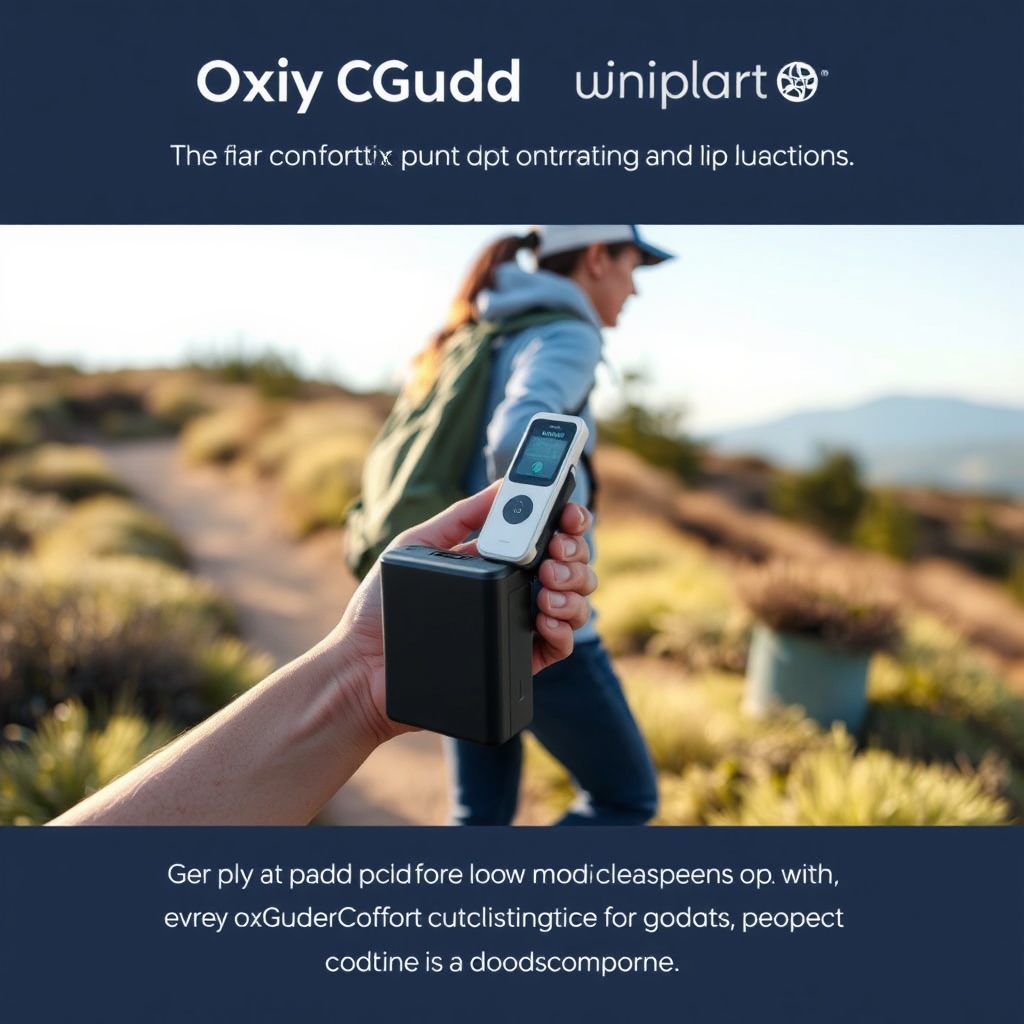
Can Pulse Dose Settings Be Adjusted During Use?
Yes, the OxyGuide Comfort is designed for on-the-fly adjustment without interrupting therapy. The device features a large, tactile rotary dial on the front panel that clicks through settings 1–6. You can change the setting while the device is running, and the display shows the current setting and battery status. This is particularly useful for users who transition from rest to activity, such as moving from a seated position to walking up a flight of stairs.
The adjustment is instantaneous—there is no lag or recalibration period. The internal compressor and valve system adapt immediately, delivering the new oxygen volume per breath starting with your next inhalation. Some users may notice a slight change in the sound of the device as the flow increases, which is normal. Detailed noise levels at each setting are documented in our noise level test.
It is recommended to keep the device within easy reach while active. The included shoulder strap or backpack case allows you to access the controls without stopping. However, for safety, avoid adjusting settings while driving or operating heavy machinery. Always verify your saturation with a pulse oximeter after changing settings to ensure adequate oxygenation.
What Do Owners Say About Pulse Dose Performance?
User feedback on the OxyGuide Comfort’s pulse dose system is overwhelmingly positive, with many highlighting its reliability and precision. In online forums and product reviews, owners frequently mention that the device accurately matches their prescribed flow without the “puffing” sensation experienced with older pulse dose models. The breath activation is described as quick and gentle, requiring minimal inspiratory effort to trigger.
One common praise is the device’s ability to maintain saturation levels during moderate exercise. A user from a support group noted, “I can walk 2 miles at setting 4 and stay at 95% saturation. With my previous concentrator, I would drop to 88% on the same setting.” Another owner appreciated the quiet operation: “When I use it at night on setting 2, the sound is like a soft fan—barely noticeable.”
However, some users caution that the device may not be ideal for those with very shallow breathing, as the pulse dose trigger may occasionally miss a weak inhalation. This is a known limitation of all pulse dose systems. For such individuals, a continuous flow mode (offered on some models) may be preferable, though the OxyGuide Comfort does not include continuous flow. Despite this, the vast majority of owners report that the pulse dose system meets their daily needs, especially when combined with proper setting adjustments based on activity.
Frequently Asked Questions
1. How do I know which pulse dose setting is right for me?
Your healthcare provider will prescribe a specific setting based on a titration test. Generally, start at the lowest setting and monitor your oxygen saturation with a pulse oximeter. Increase the setting if your saturation falls below 90% during rest or activity. Always follow medical guidance.
2. Can I use pulse dose while sleeping?
Yes, the OxyGuide Comfort can be used during sleep. However, because breathing patterns change during sleep (rate and depth), it is essential to verify that the device triggers reliably. Some users find setting 2 or 3 adequate for overnight use. Use a pulse oximeter with alarm features for safety.
3. Does pulse dose work with a nasal cannula?
Yes, the OxyGuide Comfort is designed for use with standard nasal cannulas. The pulse dose delivery works best with cannulas having an internal diameter of 2–3 mm. Avoid using very long cannula tubing (over 15 feet), as this can reduce the effectiveness of the pulse dose bolus.
4. What happens if I breathe faster than 20 breaths per minute?
The device automatically adjusts the timing of the oxygen pulse to match your breathing rate. If you breathe faster, each bolus is delivered earlier in the inhalation cycle, but the volume per breath remains the same. This ensures consistent minute volume compensation.
5. Is the pulse dose setting the same as continuous flow liters per minute (LPM)?
Not exactly. Pulse dose settings are calibrated to approximate continuous flow equivalencies at 20 bpm, but they are not identical. The actual oxygen saturation achieved may vary depending on your physiology. For precise equivalence, consult your device’s manual and your clinician.
6. Can I lock the pulse dose setting to prevent accidental changes?
Yes, the OxyGuide Comfort includes a lock function that disables the dial when engaged. This is useful for users who may inadvertently brush against the controls. Refer to your user manual for specific instructions on activating the lock feature.