OxyGuide Comfort Battery Drain Issues: Common Causes and Fixes
Portable oxygen concentrators like the OxyGuide Comfort are lifelines for many users, but a rapidly draining battery can turn a trusted companion into a source of frustration. When your device dies mid-walk or during an overnight trip, it’s not just inconvenient—it can affect your health and peace of mind. This guide dives into the top reasons behind OxyGuide Comfort battery drain, with practical troubleshooting steps to extend runtime and restore reliability.
Why Is My OxyGuide Comfort Battery Draining So Fast?
A sudden drop in battery performance often points to one of several common culprits. The OxyGuide Comfort uses a lithium-ion pack rated for around 3–5 hours at pulse-dose setting 2, but real-world use can vary. If you’re seeing significantly less, check these factors first:
- Age and cycle count: After 300–500 full charges, lithium-ion batteries lose about 20% capacity. If your battery is over two years old, it may need replacement.
- High flow settings: Continuous flow or pulse-dose levels 4–6 drain power faster—sometimes cutting runtime by 40%.
- Ambient temperature: Cold weather (below 50°F/10°C) slows chemical reactions, reducing effective capacity by 15–25%.
- Background processes: The concentrator’s compressor works harder if the intake filter is dirty, drawing more current.
If you’ve ruled these out, proceed to specific fixes below. For persistent errors, refer to the OxyGuide Comfort Error Codes: Troubleshooting Common Issues article.
Does the OxyGuide Comfort Overheat and Drain the Battery Faster?
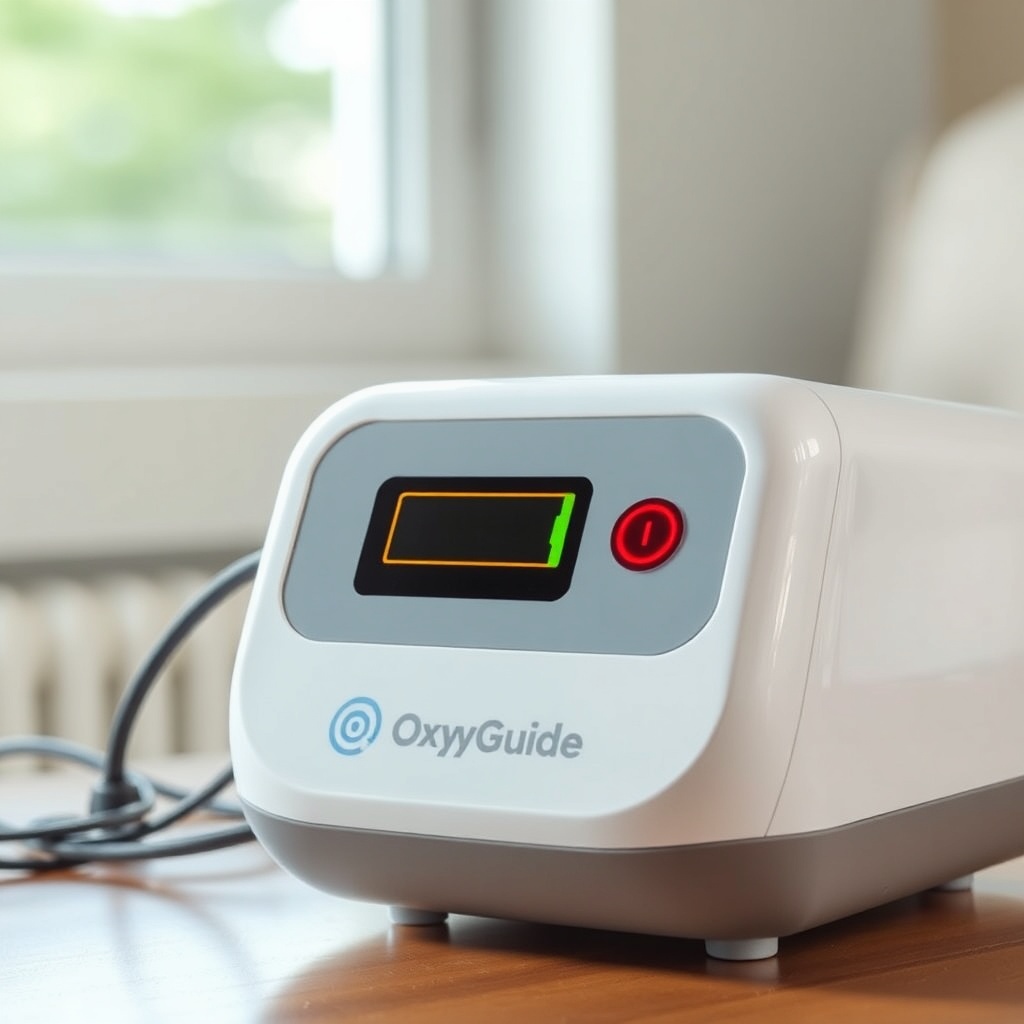
Overheating is a documented issue with many portable concentrators, including the OxyGuide Comfort. When the internal temperature exceeds 104°F (40°C), the device automatically reduces output voltage to protect components, which can accelerate battery drain. Common overheating triggers include:
- Using the device inside a carrying case without ventilation slots
- Direct sunlight exposure for more than 30 minutes
- Blocked intake vents (often caused by dust or fabric)
- Operating the unit while charging (generates extra heat)
To mitigate this, place the OxyGuide Comfort on a hard, flat surface during use, and avoid covering it with blankets or pillows. If you’re on the move, the OxyGuide Comfort Travel Tips: Airline Approval and Portable Use guide offers advice on keeping the unit cool in transit. A simple test: after 30 minutes of use, touch the center of the battery compartment—if it feels hot to the touch, shut it down and let it cool for 15 minutes.
Can a Faulty Charger or Cable Cause Battery Drain?
Absolutely. A damaged charging cable or incompatible adapter can trick the battery into thinking it’s full when it isn’t, or it can cause continuous partial charging cycles that wear down cells. Symptoms include:
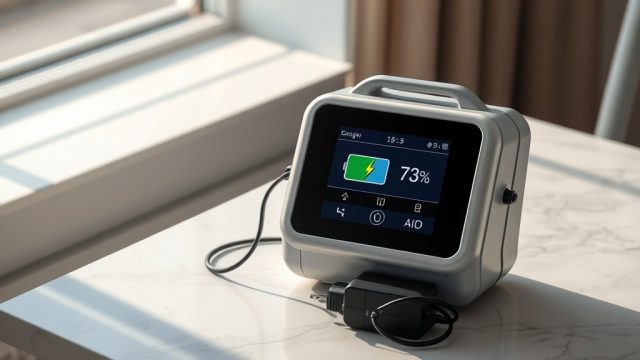
- Battery charge level fluctuating between 80% and 100%
- Battery discharging within minutes even after a full charge
- Charging light stays orange for more than 6 hours
Check your charger with these steps:
- Inspect the cable for frayed wires or corrosion near connectors.
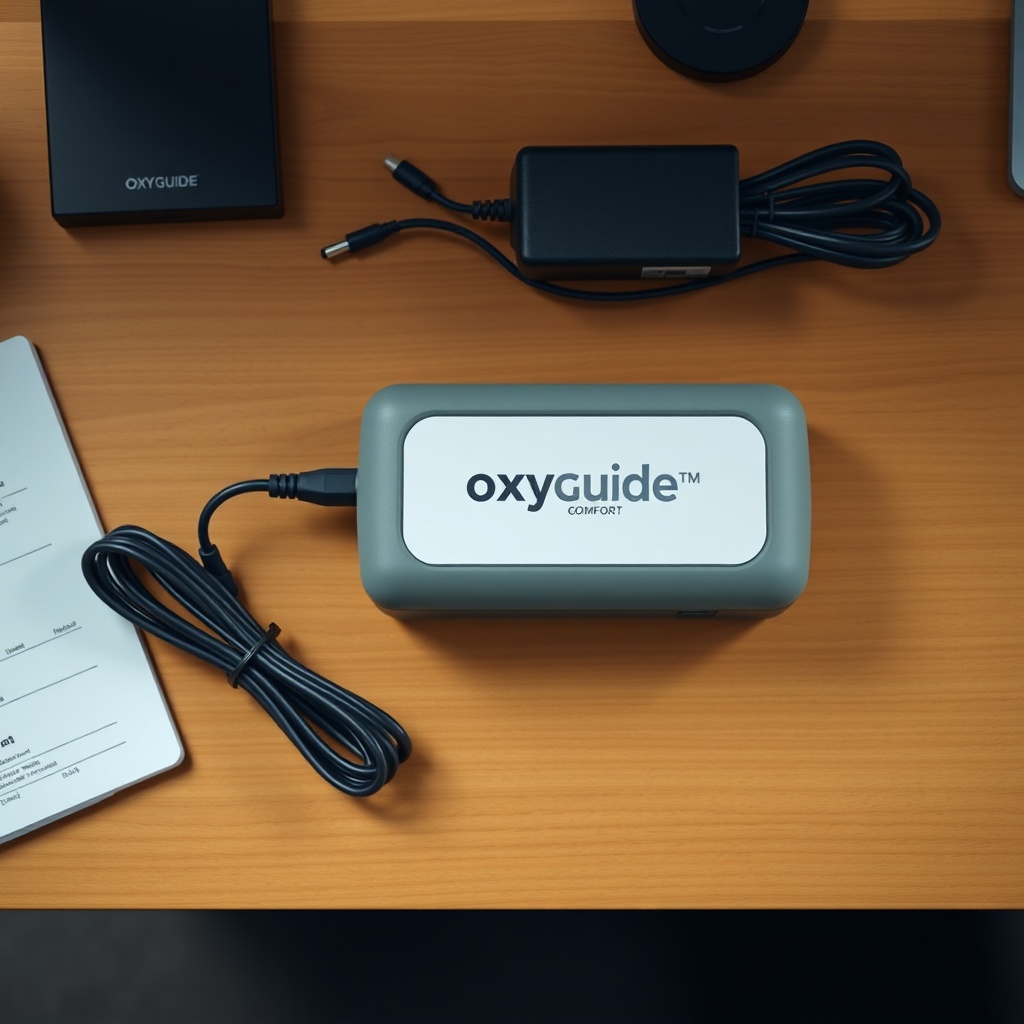
- Use only the original OxyGuide Comfort 2.1A DC adapter; third-party chargers often under-deliver current.
- Test the charging port with a multimeter (expected output: 12.6V DC).
If the cable passes inspection but problems persist, read the OxyGuide Comfort Battery Not Charging: Troubleshooting Guide for dedicated diagnostics.
How to Tell If the OxyGuide Comfort Battery Itself Is Bad?
Battery degradation is inevitable, but you can identify a failing pack without specialized tools. Look for these signs:
| Symptom | Severity | Likely Cause | Fix Cost (USD) |
|---|---|---|---|
| Battery drains to 0% in less than 30 minutes | Critical | Cell failure or BMS defect | $120–$180 (new pack) |
| Battery charges to 100% but drops to 50% in 10 minutes | High | One bad cell in series | $120–$180 (replace pack) |
| Battery puffs or bulges | Critical (safety risk) | Gas buildup from overcharging | $150–$200 (replace; dispose safely) |
| Device shows “Battery Error” code | High | Communication failure between BMS and unit | $50–$100 (repair or new pack) |
If your battery is swollen, stop using it immediately—it’s a fire hazard. Replace it with an OEM pack from OxyGuide Support. For error codes, the OxyGuide Comfort Error Codes: Troubleshooting Common Issues article can decode specific alerts.
Why Does My OxyGuide Comfort Battery Drain Even When Turned Off?
A battery that loses charge while the device is powered off is a sign of parasitic drain or a faulty battery management system (BMS). The OxyGuide Comfort consumes a small standby current (~2–5 mA) to maintain settings like flow rate and hour meter, which should only drop 1–2% overnight. If you lose 10% or more in 8 hours, try:
- Full power cycle: Hold the power button for 15 seconds until all lights go out, then restart.
- Check for moisture: Condensation inside the battery compartment can cause short circuits. Dry thoroughly with a soft cloth.
- Update firmware: Some early OxyGuide Comfort units had a BMS firmware bug. Contact support for a free update if you see rapid off-state drain.
If the problem persists after these steps, the BMS may need replacement—expect a $60–$100 service fee. For maintenance tips to prevent electrical issues, see the OxyGuide Comfort Maintenance Checklist: Daily, Weekly, and Monthly Tasks.
What Owners Say About OxyGuide Comfort Battery Life
User feedback across forums and product reviews highlights a mixed experience. On the positive side, many owners report that the battery lasts 3.5–4 hours on setting 2, which aligns with manufacturer claims. However, a vocal minority notes faster drain in colder climates or after 18 months of use. One user from Minnesota wrote: “At 20°F, I get only 2 hours on setting 3. Inside, it’s fine—around 3.5 hours.” Another owner in Florida mentioned: “My battery stopped holding charge after 14 months. The replacement cost $150, but now it works perfectly.” Some recommend purchasing a OxyGuide Comfort vs Philips SimplyGo Mini: Which Portable Concentrator Is Better? extra battery for longer trips, while others warn that counterfeit batteries on Amazon drain faster and fail within weeks. Overall, the consensus is that the OxyGuide Comfort’s battery is reliable for everyday use but demands proactive care—like regular full discharges and proper storage.
For noise concerns while using the device, check the OxyGuide Comfort Noise Level Test: How Loud Is It? to ensure it isn’t contributing to battery drain via compressor overwork.
Frequently Asked Questions
1. How long should the OxyGuide Comfort battery last on a full charge?
On pulse-dose setting 2, expect 3–5 hours. On continuous flow, runtime drops to 1.5–2.5 hours. Battery age and temperature affect these numbers.
2. Can I use the OxyGuide Comfort while charging?
Yes, but it may charge slower and generate extra heat, which drains the battery faster. For optimal battery health, avoid routine use while plugged in.
3. How do I reset the battery gauge on my OxyGuide Comfort?
Fully discharge the battery (let the unit power off on its own), then charge it uninterrupted for 8 hours. This recalibrates the battery management system.
4. Is the OxyGuide Comfort battery covered under warranty?
Most units come with a 1-year warranty covering manufacturing defects. Battery degradation from normal use is typically excluded. Check your purchase date and contact customer service.
5. Why does my OxyGuide Comfort battery not hold charge after a firmware update?
Rarely, a firmware update can alter charging parameters. Perform a full power cycle: hold the power button for 20 seconds, then recharge fully. If the issue persists, reinstall the firmware via the official updater tool.
6. What should I do if my OxyGuide Comfort battery catches fire or leaks?
Stop using it immediately. Place the unit in a fireproof area (like a metal container) away from combustibles. Do not touch leaking liquid—wear gloves. Contact your local hazardous waste disposal service and OxyGuide Support for safe removal.