Why Is My OxyGuide Comfort Showing Erratic Oxygen Concentration?
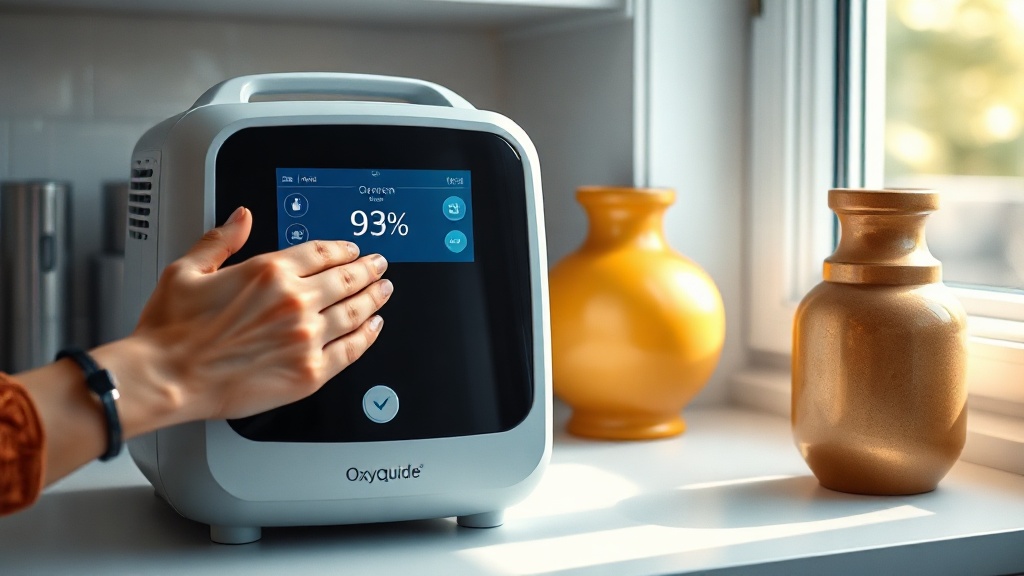
When you rely on a portable oxygen concentrator like the OxyGuide Comfort, stable oxygen delivery is non-negotiable. Erratic oxygen concentration—where the purity drops or fluctuates unexpectedly—can be alarming, affecting both your therapy compliance and overall peace of mind. This article explores the common causes behind erratic oxygen levels in the OxyGuide Comfort, offering clear troubleshooting steps, a severity table, and practical solutions to restore consistent performance.
Can a Clogged Air Intake Filter Cause Oxygen Fluctuations?
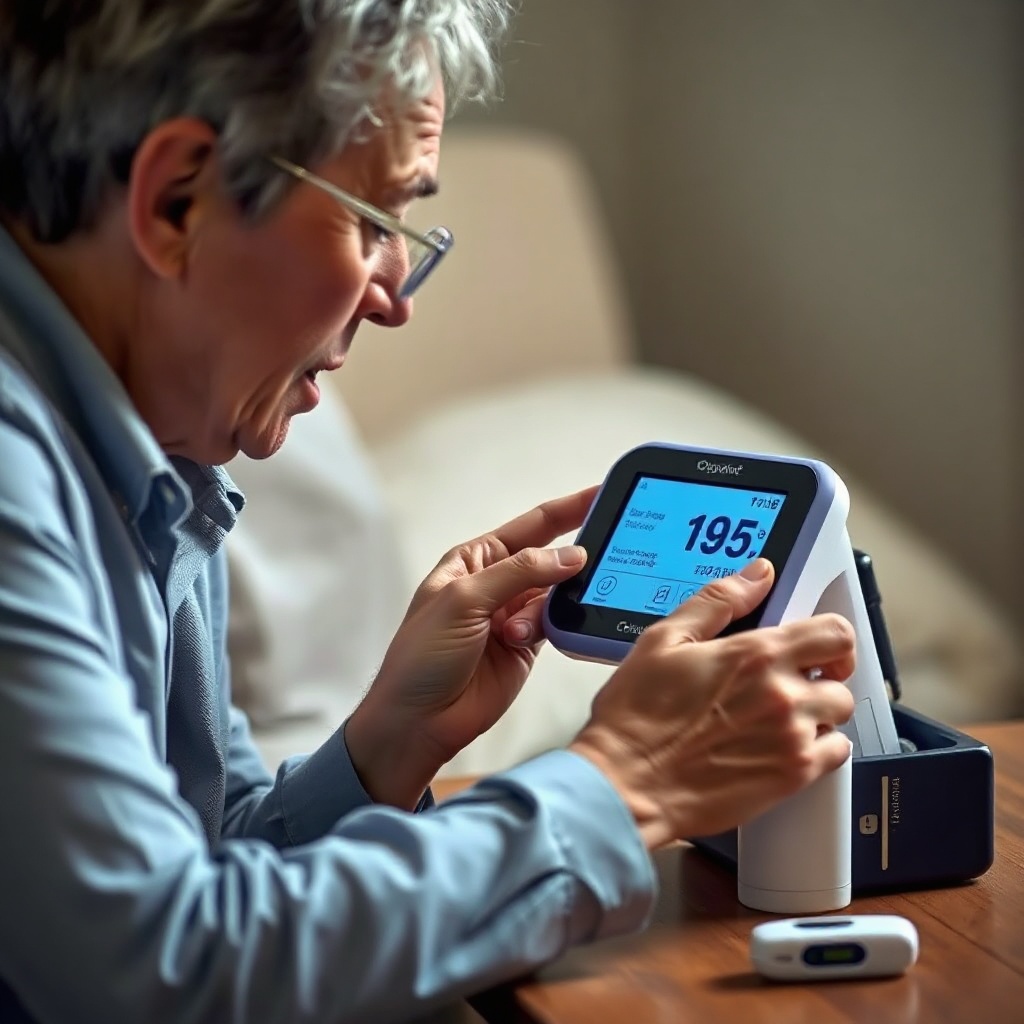
A dirty or blocked air intake filter is one of the most frequent culprits behind erratic oxygen concentration. The OxyGuide Comfort pulls in ambient air, which must pass through the filter before reaching the internal sieve beds that separate oxygen. If the filter is clogged with dust, pet hair, or lint, the airflow becomes inconsistent, leading to pressure swings and reduced oxygen purity.
Troubleshooting steps:
- Turn off the device and unplug it from any power source.
- Locate the filter cover on the back or side of the unit (refer to your manual).
- Remove the foam filter and rinse it gently under lukewarm water; do not use soap or detergents.
- Allow the filter to air-dry completely for at least 24 hours before reinserting it.
- If the filter is heavily worn or damaged, replace it with an OEM part (costs approximately £12 to £18).
After cleaning, run the OxyGuide Comfort for 15 minutes and monitor the oxygen concentration reading. Many users find this simple fix resolves the issue entirely. For more on maintaining accessory components, see our OxyGuide Comfort Battery Replacement: Cost and Options guide for related care tips.
Does Battery Charge Level Impact Oxygen Purity?
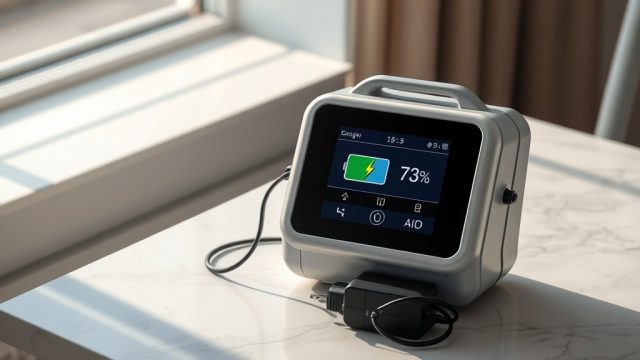
Yes, a low or deteriorating battery can directly affect the OxyGuide Comfort’s ability to maintain stable oxygen concentration. The device relies on a steady voltage to power its compressor, valve system, and sieve beds. When the battery charge drops below 20%, the compressor may cycle erratically, causing dips in oxygen purity. Additionally, an aging battery that no longer holds full capacity can produce fluctuating power output.
Troubleshooting steps:
- Use a multimeter to check the battery voltage if you suspect degradation (voltage should align with manufacturer specs).
- Plug the unit into AC power and test the oxygen concentration while running on mains. If the reading stabilizes, the battery is likely the issue.
- Replace the battery if it is more than two years old or shows visible swelling. A new OxyGuide Comfort battery costs around £89 to £125 depending on the retailer.
- Avoid using the device while charging if you notice fluctuations; this can cause interference.
For a deeper look at battery lifespan, read our OxyGuide Comfort Battery Life Real World Test: How Long Does It Last? article. Also, if you often use your device in cooler temperatures, check the OxyGuide Comfort Battery Performance in Cold Weather: Tips and Solutions guide for additional precautions.
How Does Altitude Affect Oxygen Concentration Stability?
Higher altitudes bring lower atmospheric pressure, which challenges the OxyGuide Comfort’s internal oxygen extraction process. The device compensates by adjusting its compressor speed, but extreme or rapid altitude changes can cause lag in the system, leading to temporary erratic oxygen concentration readings. Users in mountainous regions or those flying frequently may notice this more.
Troubleshooting steps:
- Reset the unit by turning it off for 30 seconds and then restarting it after moving to a new altitude.
- Allow the device to acclimate for at least 10 minutes before relying on its oxygen output.
- For air travel, ensure the OxyGuide Comfort is FAA-approved and set to the appropriate altitude mode if available (most units auto-calibrate).
- Avoid using the device in unpressurized cabins above 10,000 feet without supplemental oxygen from the aircraft.
For specific air travel guidance, visit our OxyGuide Comfort FAA Approval Update: What You Need to Know for Air Travel page.
Could the Oxygen Sensor Be Failing?
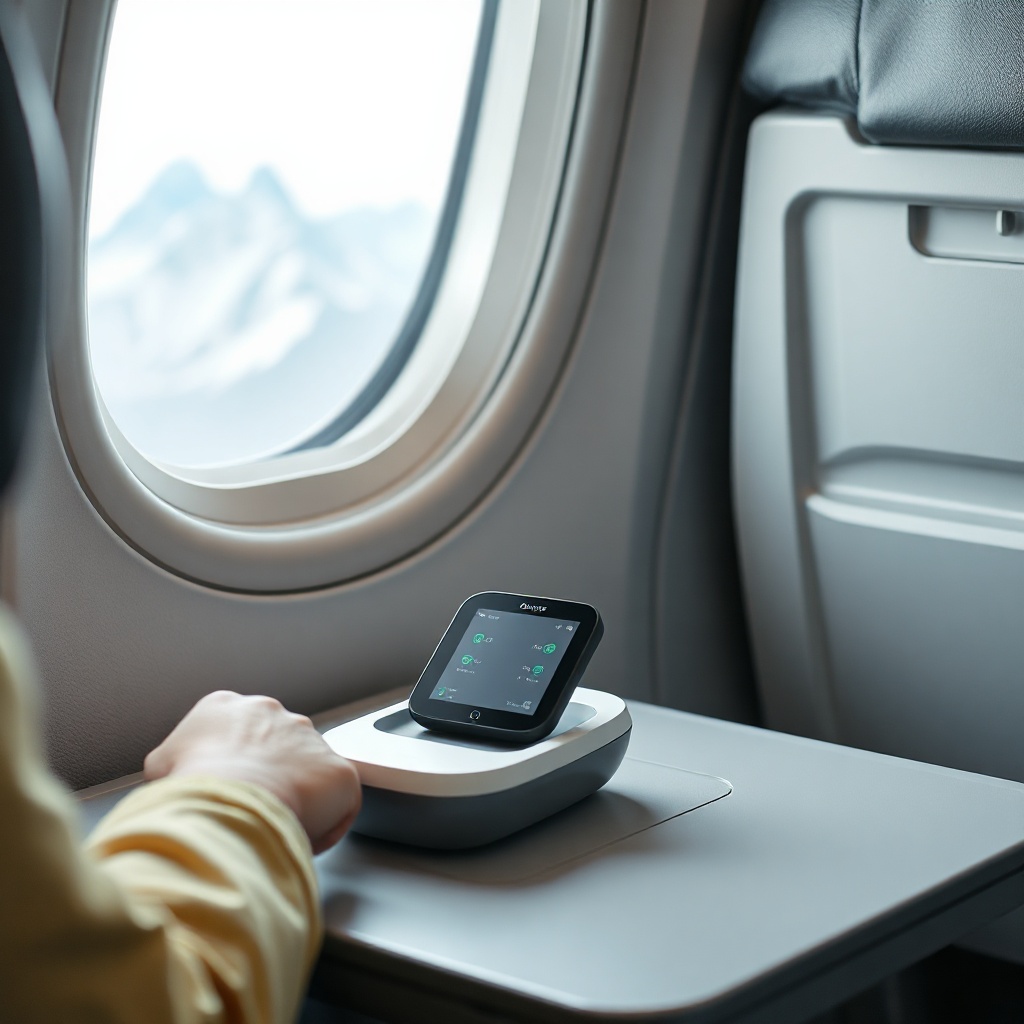
The OxyGuide Comfort uses an internal oxygen sensor to monitor purity. Over time, this sensor can drift, become contaminated by moisture, or simply fail. A failing sensor often reports false erratic readings rather than actual oxygen problems. Signs include rapid fluctuations on the display (e.g., from 92% to 88% and back within seconds) despite normal breathing experience.
Troubleshooting steps:
- Perform a simple calibration test: run the device on maximum flow for 10 minutes, then check the reading against an external pulse oximeter on yourself or a piece of tubing.
- If the sensor reading does not correlate with real-world oxygen saturation (e.g., you feel fine but the device shows low purity for a prolonged period), the sensor may be faulty.
- Contact OxyGuide support or a certified technician for sensor replacement (costs typically £45 to £70 for parts and labour).
- Keep the device in a dry, low-humidity environment when not in use to extend sensor life.
Regular maintenance of the sensor area can prevent premature failure. Beginners should review the OxyGuide Comfort Oxygen Concentrator Buying Guide for Beginners for tips on long-term care.
What Environmental Factors Cause Erratic Readings?
Beyond internal issues, the OxyGuide Comfort is sensitive to its operating environment. Extreme temperatures (below 5°C or above 40°C), high humidity (above 80%), and poor ventilation can all disrupt the machine’s delicate oxygen separation process. Smoke from cooking, air fresheners, or even heavy dust in a workshop can also clog filters faster and degrade sensor accuracy.
Troubleshooting steps:
- Place the device on a hard, level surface at least six inches from walls or curtains to ensure adequate airflow.
- Avoid using the OxyGuide Comfort in bathrooms while showering, or in steamy kitchens.
- If you must use the device outdoors, shield it from direct rain and extreme sun with a canopy or bag.
- Use a dehumidifier in your room if ambient humidity is high.
For users who travel frequently, environmental shifts can be a recurring challenge. Our OxyGuide Comfort Battery Life at High Altitudes: Does Performance Drop? article covers additional environmental factors affecting performance at high elevations.
Severity of Common Causes of Erratic Oxygen Concentration
| Cause | Likelihood | Severity | Estimated Fix Cost (GBP) | Priority |
|---|---|---|---|---|
| Clogged air filter | High | Low | £0–£18 | 1 |
| Low battery charge | Medium | Medium | £0 (recharge) or £89–£125 (replace) | 2 |
| Altitude acclimation | Medium | Low–Medium | £0 | 3 |
| Faulty oxygen sensor | Low | High | £45–£70 | 4 |
| Environmental extremes | Medium | Medium | £0–£50 (dehumidifier) | 3 |
Note: “Priority” indicates the order in which you should troubleshoot these issues. Always start with the cheapest and easiest fix.
What Owners Say About Erratic Oxygen Levels
User experiences with the OxyGuide Comfort reveal that erratic oxygen concentration is often an early warning sign of overlooked maintenance. Margaret, a 68-year-old from Surrey, shared: “I noticed the reading jumping between 91% and 94% every few minutes. I cleaned the filter and it fixed it within an hour. Saved me a call to the technician.”
Another user, David from Leeds, reported: “After a long flight, my OxyGuide Comfort showed 89% oxygen. I let it sit for 15 minutes after landing, and it stabilized. The altitude mode really works.”
A more serious case came from James in Glasgow: “My device kept reading 85% despite feeling okay. Turned out the oxygen sensor had rusted from humidity. It cost £60 to replace, but now it’s perfect.”
Owners consistently recommend three steps: check the filter first, then the battery, and finally the sensor. Many also advise keeping a log of readings to help technicians diagnose issues faster.
Frequently Asked Questions
Q: Why does my OxyGuide Comfort show 87% oxygen even after cleaning the filter?
A: This may indicate a more serious issue, such as a failing compressor or sieve bed. Try running the device on AC power to rule out battery problems. If the reading persists, contact a certified repair centre for an internal inspection.
Q: Can I use my OxyGuide Comfort while it is charging to avoid erratic output?
A: Yes, but only with the original charger in a well-ventilated area. Some users report slight fluctuations during charging due to power management—if you see instability, use it on battery only after a full charge.
Q: How often should I replace the intake filter to prevent erratic readings?
A: OxyGuide recommends cleaning the filter every 2-4 weeks, with replacement every 3-6 months depending on usage and environment. In dusty homes, replace more frequently.
Q: Does the OxyGuide Comfort have a self-diagnostic mode for oxygen concentration?
A: The unit performs a brief self-check at startup. If you see error codes like “E4” or “E7,” these often relate to oxygen purity issues. Refer to your manual or contact support—some codes can be cleared by a reset, others require service.
Q: Can altitude fluctuations permanently damage the OxyGuide Comfort’s oxygen concentration accuracy?
A: Typically no; the device recalibrates automatically after altitude changes. However, repeated extreme altitude shifts (e.g., from sea level to 12,000 feet) can accelerate wear on the compressor over time. Using altitude-specific settings helps.
Q: Is erratic oxygen concentration covered under the OxyGuide Comfort warranty?
A: Many warranties cover defects in materials or workmanship for the first 1-2 years. However, issues caused by clogged filters, low batteries, or misuse (e.g., exposure to rain) are not covered. Always check your warranty terms and keep receipts for replacement parts.