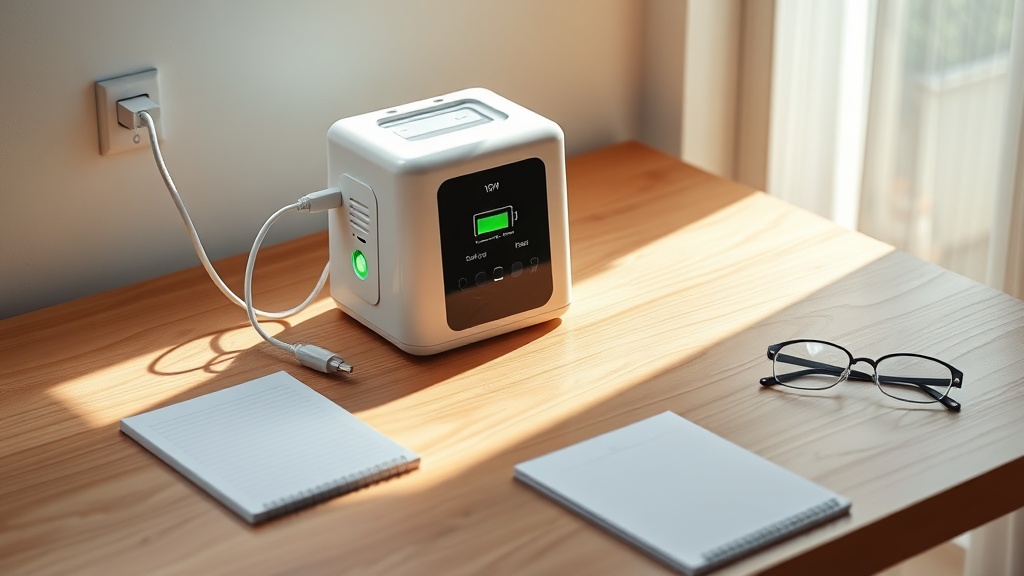
OxyGuide Comfort Battery Not Charging: Troubleshooting Guide
The OxyGuide Comfort portable oxygen concentrator is a lifeline for thousands of users who depend on reliable oxygen therapy during daily activities and travel. When the battery refuses to charge, anxiety can quickly escalate. This troubleshooting guide walks you through the most common causes and fixes for OxyGuide Comfort battery charging failures, ensuring you can get back to breathing easier without unnecessary stress.
Whether you are at home or preparing for a trip, understanding why your device isn’t charging can save time and money. Let’s start by identifying the root cause through a systematic approach.
Why Won’t My OxyGuide Comfort Battery Charge at All?
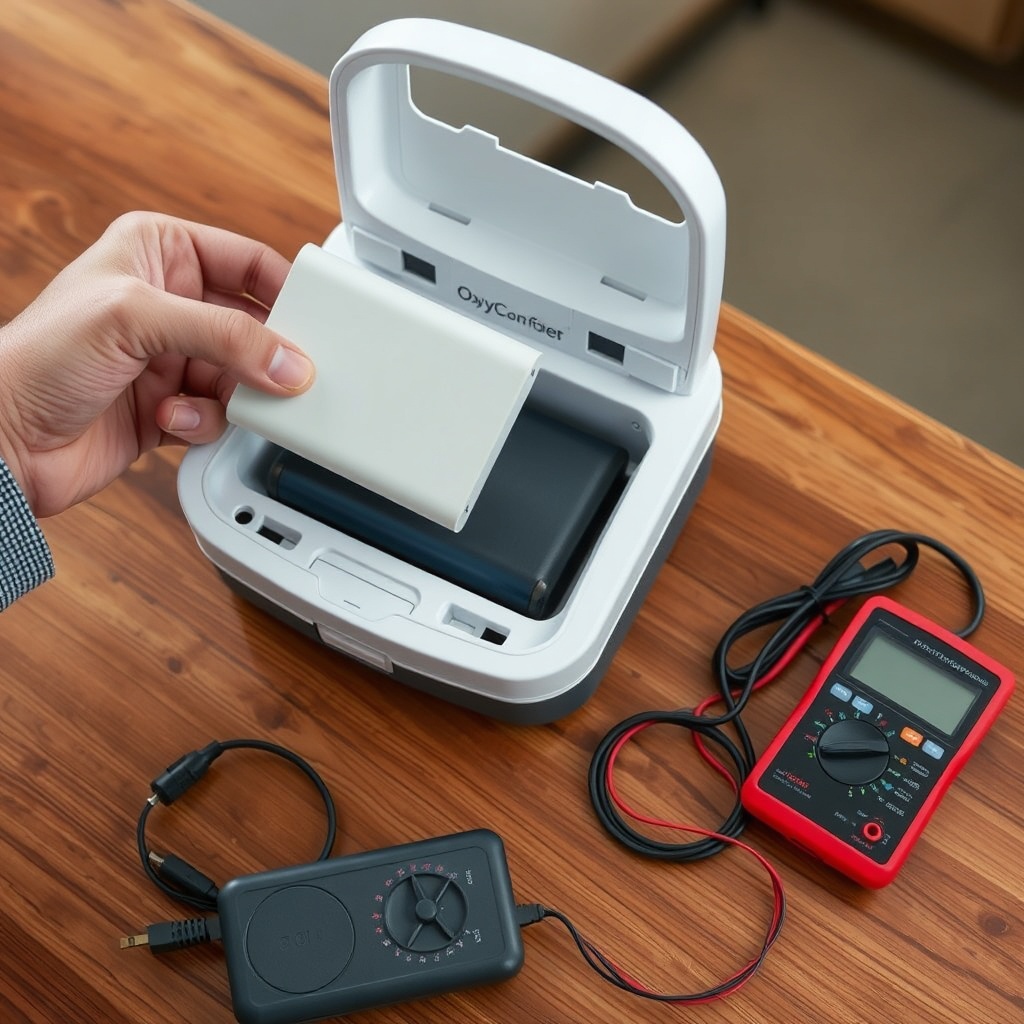
If the battery indicator remains dark or shows no charging activity, the first suspect is often the power source rather than the battery itself. Begin by inspecting the AC adapter and the DC cable (if using a car charger). Check for frayed wires, bent pins, or loose connections at both ends. A faulty wall outlet can also cause this—try a different outlet or test the adapter with a multimeter to confirm it delivers the required 19V DC output.
Another common culprit is the charging port on the concentrator. Debris, lint, or corrosion can interrupt the electrical connection. Use a dry toothbrush or compressed air to clean the port gently. If the port appears physically damaged, the device will require professional repair. For more hardware-related issues, refer to our guide on OxyGuide Comfort Error Codes: Troubleshooting Common Issues for specific error indicators that might appear on the display.
How Do I Check If the OxyGuide Comfort Battery Is the Problem?
The OxyGuide Comfort uses a rechargeable lithium-ion battery pack (rated at 45 Wh or 120 Wh, depending on the model). To isolate a battery issue, remove the battery from the concentrator and press the test button on the battery itself—if the LED lights do not illuminate, the battery may be depleted beyond recovery or defective. A swollen or leaking battery should be replaced immediately and never recharged.
If the battery tests fine externally but still won’t charge in the device, the internal battery management system (BMS) may have triggered a safety lockout. This can happen after deep discharge (below 10% for extended periods). In such cases, try a “reset” procedure: unplug the unit, remove the battery for five minutes, reinstall it, and plug the charger in again. If that fails, the battery likely needs replacement. Learn more about optimal battery care in OxyGuide Comfort Maintenance 101: Filter Cleaning and Storage Tips.
What Are the Signs of a Faulty Charging Cable or Adapter?
A damaged cable can cause intermittent charging or no charging at all. Inspect the entire length of the charging cable for kinks, cuts, or exposed wires. The adapter brick should not feel excessively hot during use—temperatures above 50°C (122°F) indicate internal failure. Look for a glowing LED on the adapter: if it’s not lit when plugged into a live outlet, the adapter is defective.
Use this comparison table to quickly evaluate charging component health:
| Component | Normal Behavior | Fault Indicator | Cost to Replace (GBP) |
|---|---|---|---|
| AC Adapter (19V/3.42A) | Cool to warm, green LED on | No LED, hot to touch, buzzing sound | £39 |
| DC Car Charger | Firm connection, amber LED | Loose plug, flickering light | £24 |
| Battery Pack (120 Wh) | Charges to full in 4–5 hours | Swelling, no LED on test, rapid discharge | £159 |
| Charging Port | Clean, no corrosion, snug fit | Bent pins, visible debris, wobble | £85 (repair) |
If the adapter or cable is under warranty (typically 90 days for accessories), contact the supplier for a free replacement. Otherwise, use only official OxyGuide parts or certified equivalents to avoid damaging the device.
Can Pulse Dose Settings Affect Battery Charging?
While pulse dose settings do not directly impact the charging circuit, they can influence how the battery discharges, which may lead to charging confusion. When the OxyGuide Comfort is set to a high pulse dose (e.g., setting 5 or 6), it draws more current during operation. If the battery is nearly empty and the unit is running while plugged in, the charger may not be able to keep up, causing the battery icon to appear as if it is not charging.
To rule this out, turn the device OFF while charging for at least one hour. If the battery indicator begins to show progress, the issue was load-related. For more details on how pulse dose settings affect runtime and device performance, see OxyGuide Comfort Pulse Dose Settings Explained.
What Should I Do If the Battery Charges Slowly or Stops at 90%?
Lithium-ion batteries in medical devices often have a “trickle charge” phase near full capacity to protect cell health. If your OxyGuide Comfort battery stops at 90% and does not reach 100% after several hours, it may be due to one of three factors: extreme ambient temperature (below 10°C or above 35°C), an aging battery with reduced capacity, or a calibration error.
To recalibrate the battery management system:
- Fully discharge the battery by using the concentrator on a low pulse dose setting until it powers off.
- Allow the battery to rest for two hours at room temperature.
- Charge uninterrupted for at least six hours without using the device.
- Repeat this cycle once monthly for optimal performance.
If the battery still refuses to reach full charge, its lifespan (typically 500 charge cycles) may be exhausted. New batteries are available for around £159. For travel considerations, check OxyGuide Comfort Travel Tips: Airline Approval and Portable Use to learn about FAA rules regarding spare lithium batteries.
What Owners Say
Users of the OxyGuide Comfort frequently share experiences on forums and review sites. One long-term user in the UK noted, “After two years, my battery started showing a red light even when plugged in. Cleaning the port with a toothpick and using a different wall socket fixed it in minutes.” Another owner reported, “The charger brick died after six months—OxyGuide sent a free replacement within two days once I sent photos of the damaged cord.”
Common praise includes the device’s How Quiet is the OxyGuide Comfort? Noise Level Test feature, which many find essential for sleep. On the flip side, a few users mentioned that third-party batteries sometimes cause charging errors—always stick with OEM parts. When comparing models, many owners prefer the OxyGuide Comfort over the Caire Freestyle Comfort for its lighter weight and simpler charging interface; see OxyGuide Comfort vs Caire Freestyle Comfort: Comparison.
Frequently Asked Questions
Q: How long does the OxyGuide Comfort battery take to fully charge?
A: A fully depleted 120 Wh battery takes 4–5 hours from empty to 100% using the standard AC adapter. The 45 Wh battery charges in approximately 2–3 hours.
Q: Can I use the OxyGuide Comfort while it is charging?
A: Yes, the device supports “pass-through” operation. However, charging speed will be slower, and the battery may not reach full capacity if the unit is running at high pulse dose settings simultaneously.
Q: Is it safe to leave the battery charging overnight?
A: Yes, the OxyGuide Comfort’s BMS includes overcharge protection. However, for optimal battery longevity, unplug the device once it reaches 100% and store it in a cool, dry place.
Q: Why does my battery indicator flash red when I plug it in?
A: A flashing red light typically indicates a connection error. Check the charging port for debris, ensure the adapter is firmly inserted, and try a different outlet. If the problem persists, the battery may require replacement. Visit OxyGuide Comfort Error Codes: Troubleshooting Common Issues for a full list of error indicators.
Q: Can extreme temperatures prevent charging?
A: Yes. The OxyGuide Comfort will not charge if the battery temperature is below 0°C (32°F) or above 45°C (113°F). Allow the device to acclimatize to room temperature for 30 minutes before attempting to charge.
Q: Where can I buy a replacement battery for the OxyGuide Comfort?
A: Official replacement batteries are available from the manufacturer’s website, authorized UK medical supply retailers, and select pharmacies. Always verify authenticity—counterfeit batteries may cause charging issues or safety hazards.