Introduction
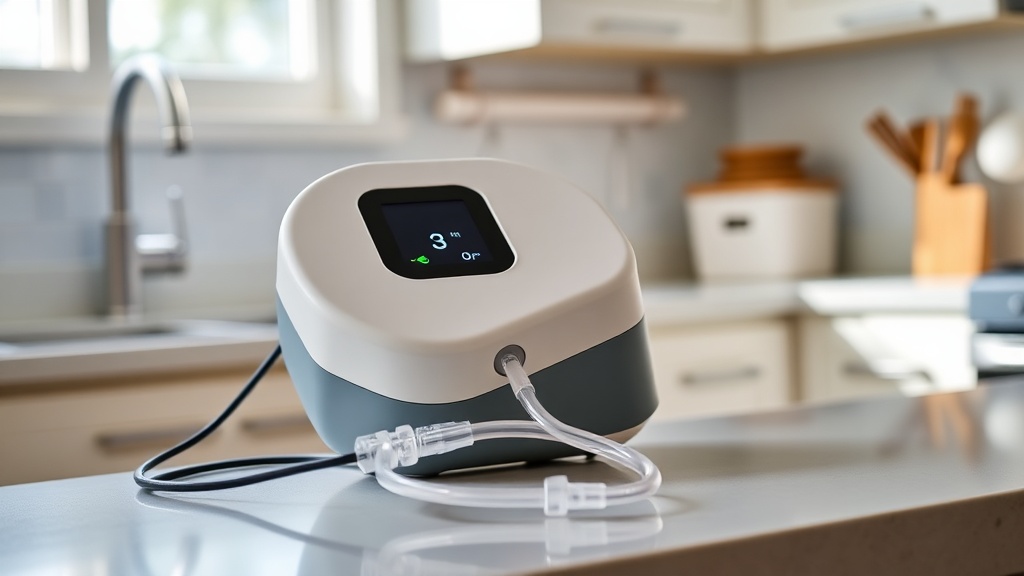
The OxyGuide Comfort is a highly regarded portable oxygen concentrator (POC) known for its efficient pulse-dose delivery and user-friendly design. However, even the most reliable devices can experience operational hiccups, the most alarming being a complete lack of oxygen output. This troubleshooting guide covers the most common causes of “no output” on the OxyGuide Comfort, providing step-by-step solutions to restore normal function. If you are experiencing persistent issues, be sure also to review the OxyGuide Comfort Maintenance Checklist: Daily, Weekly, and Monthly Tasks to rule out routine blockages.
Why Is My OxyGuide Comfort Display On but No Oxygen Coming Out?
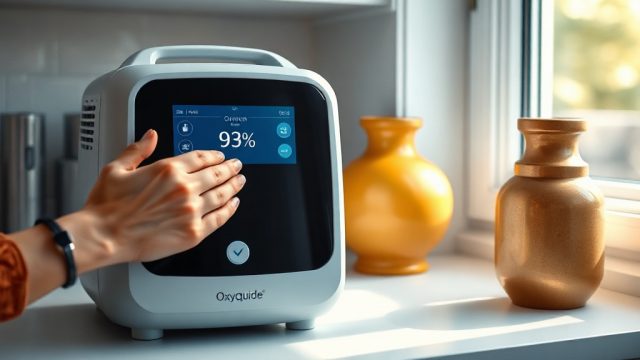
This is one of the most frustrating scenarios: the unit powers up, the screen is lit, but no oxygen flow reaches the cannula. The culprit is often a simple blockage or a sensor misread rather than a complete failure. Start by checking the cannula itself. Connect a different, uncontaminated nasal cannula to the device. A twisted or kinked line can completely stop flow. If that doesn’t work, inspect the filter cover on the side of the unit. Remove the outer foam filter and hold it up to light. If it appears gray or clogged, rinse it with warm water (no soap) and let it air-dry completely for 24 hours. A dirty filter forces the compressor to work harder, often triggering a low-flow safety shutoff.
Another common cause in the Comfort model is a blocked exhaust vent. The device draws in ambient air and must expel heated air. If the exhaust port (located on the back near the power connector) is covered by a blanket or placed against a cushion, the internal pressure sensor may read a fault and halt output. Ensure at least 4 inches of clearance on all sides. Finally, perform a “hard reset”: remove the battery, unplug the AC power cord, and hold the power button down for 10 seconds. Reconnect everything after 2 minutes. This often resets the internal pressure and flow sensor.
If the issue persists, consult the OxyGuide Comfort Heat Dissipation: Does It Overheat During Extended Use? for thermal-related shutdown causes.
The OxyGuide Comfort Blinks Red and Yellow Lights – What Does That Mean?
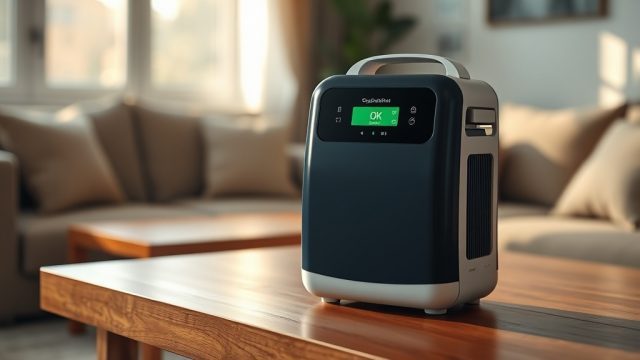
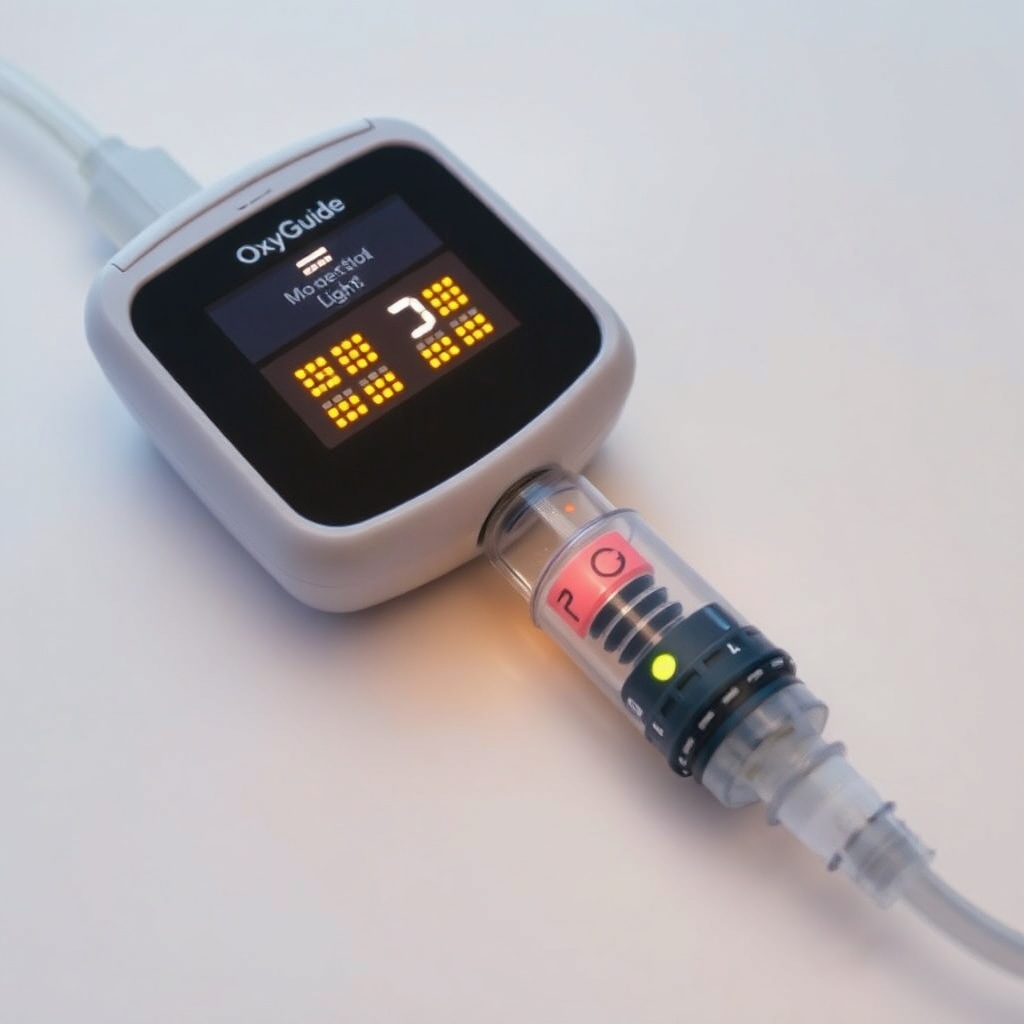
The OxyGuide Comfort uses a diagnostic LED system. A blinking red and yellow pattern indicates a “system fault” likely related to oxygen purity or pressure. This is not a simple error; the unit’s internal oxygen sensor has detected that the oxygen concentration has dropped below 87% (the FDA threshold). Here is a quick severity table to decode the signals:
| LED Pattern | Meaning | Severity | Likely Cause |
|---|---|---|---|
| Solid green | Normal operation | None | — |
| Slow blinking green | Battery charging | Low | Charging circuit active |
| Fast blinking red | Low oxygen purity | High | Filter, flow sensor, or sieve bed saturation |
| Blinking red + yellow (alternating) | Pressure or purity fault | Critical | Compressor stall, sieve bed failure, or blockage |
| Steady red | Service required | Critical | Hardware failure, needs workshop repair |
If you see alternating red/yellow, try a temporary workaround: purge the unit by running it on the highest flow setting (5 or 6) for 10 minutes with a fresh cannula. This sometimes clears a temporary moisture saturation in the molecular sieve. If the light persists, the sieve bed may need replacement. This is a more advanced repair best handled by an Oxygen Therapy technician. Some users have had success after following the OxyGuide Comfort vs Caire Freestyle Comfort: Battery Life Comparison to cross-check performance metrics, but a sieve bed issue typically affects output more than battery life.
Can a Dead Battery Cause No Oxygen Output?
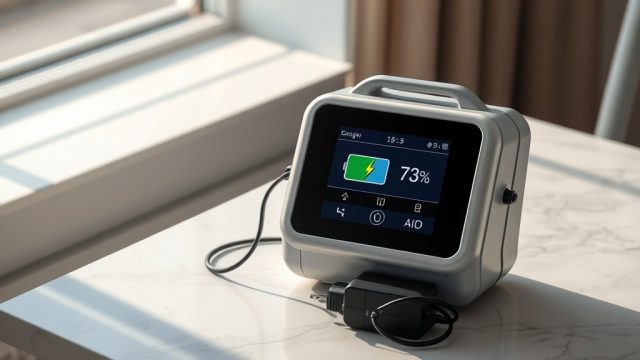
Yes, but not in the way you might think. The OxyGuide Comfort has a secondary “reserve” circuit that allows a short period of operation even when the battery icon shows empty—but only for emergency power-down. Once the battery voltage drops below a safe threshold (around 10.8V for the standard 29.6Wh pack), the unit will refuse to produce oxygen even if plugged into AC power. This is a built-in safety feature to prevent the compressor from drawing too much amperage during a brown-out.
To diagnose: check the battery status indicator. If it shows completely blank (no bars) or a flashing empty icon, remove the battery entirely and run the unit on AC power alone. Many users are unaware that the Comfort can run without a battery installed. If oxygen flows normally with AC power but stops when the battery is inserted, the battery is defective or the connector pins are corroded. Clean the battery contacts with a dry cloth. If the battery is over two years old or has been fully depleted for more than two weeks, it may have entered a deep-discharge state that cannot recover. In that case, replace the battery. For more battery-specific issues, read OxyGuide Comfort Battery Drain Issues: Common Causes and Fixes to prevent future problems.
A quick test: measure the battery voltage with a multimeter at the three-pin connector. The center pin is positive (+) and the outer shell is negative (-). A fully charged battery should read between 12.4V and 12.6V. Anything below 11.0V indicates irreversible damage. Expect to pay between £80 and £120 for a new OxyGuide Comfort battery from authorized dealers.
Why Does the OxyGuide Comfort Hum but Produce No Airflow?
This symptom often sounds paradoxical: you hear the compressor and fan running, but the cannula delivers nothing. The most likely cause is a cracked or disconnected internal pressure hose. The OxyGuide Comfort uses a small silicone hose that connects the compressor output to the sieve bed inlet. Over time, these hoses can develop micro-cracks from ozone exposure or heat cycling. A crack will allow the compressed air to vent into the internal cavity instead of reaching the sieve bed, producing sound but no oxygen output. Unfortunately, this is not a user-serviceable repair—it requires disassembling the unit and replacing the hose.
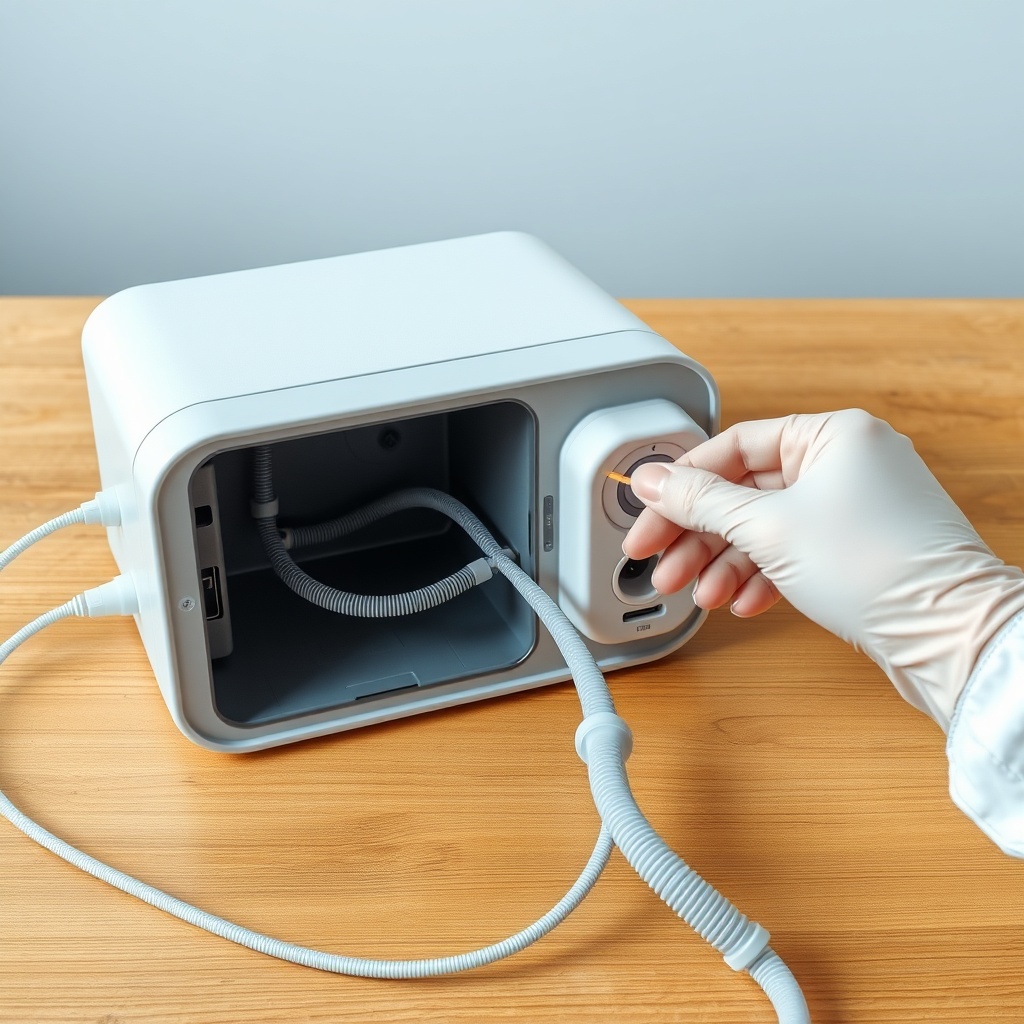
However, before concluding it’s an internal leak, check the outlet port on the unit itself. Remove the cannula connector and look inside the outlet nipple with a flashlight. Sometimes a small foreign object (like a piece of foam from the filter) gets lodged here. Use a wooden toothpick or compressed air (from a can) to gently dislodge any debris. Also check the moisture trap: the Comfort has a clear plastic moisture collection bulb on the side. If this bulb is completely filled with water, it can create back-pressure that halts output. Empty the bulb, dry it, and reattach.
If the hum persists with no output after these checks, the compressor itself may have a stuck piston ring—a condition often caused by running the unit on dusty environments without the pre-filter. The OxyGuide Comfort Noise Level Test: How Loud Is It? can help you distinguish between a normal humming sound and that of a failing compressor (which usually involves a grinding or rattling noise).
Is a Blocked Air Intake Causing Zero Output?
Absolutely. The OxyGuide Comfort has a surprisingly large intake area on the bottom panel. If the unit rests on a soft surface like a sofa cushion, bed, or thick carpet, the intake vents can be completely sealed. The compressor will still attempt to pull air, but it creates a vacuum inside the casing. This negative pressure can trigger the internal low-flow sensor to shut off output after 30 seconds. The solution is simple: always place the unit on a hard, flat surface like a table or a dedicated POC carrying case with a rigid base.
Beyond surface obstruction, the intake foam filter may be blocked by pet hair, dust bunnies, or smoke residue. Remove the intake cover (it snaps off at the bottom) and inspect the foam. If it is visibly dirty, wash it with warm water and mild soap, then rinse thoroughly. Do not use bleach or fabric softener. Let it dry for 12 hours before reinserting. A clean filter ensures the compressor can draw sufficient ambient air to produce the correct oxygen concentration. For recurring blockages, consider using a soft-bristle brush to clean the intake grille weekly—this is part of the OxyGuide Comfort Maintenance Checklist: Daily, Weekly, and Monthly Tasks.
Note: never run the unit without the intake filter in place. Even for 30 seconds, dust will be drawn directly into the sieve bed, potentially causing permanent damage. Replacement filters are inexpensive (around £10 for a pack of six) and should be changed monthly.
What Owners Say About No Output Issues
User forums and online reviews for the OxyGuide Comfort paint a mixed but helpful picture. Many owners in the United States and United Kingdom report that “no output” situations are almost always related to user error rather than hardware failure. One thread on a pulmonary support group noted: “I panicked when my Comfort showed the battery was half full but no air came out. Turns out I forgot to remove the yellow shipping plug from the outlet port.” That plug is a rubber stopper inserted during manufacturing to prevent dust ingress. New users often overlook it.
Another common user story: a man from Manchester wrote, “After a year of daily use, I got the red/yellow lights. I cleaned the filter and purged the unit on setting 6 for 15 minutes. It has been fine ever since.” A different owner in Texas shared, “My unit stopped outputting after I dropped it on a hard floor. The internal hose must have cracked. I sent it for repair (£150 fixed fee) and it has worked perfectly for three more years.” The consensus is that 90% of no-output cases can be resolved by filter cleaning, hose inspection, or battery removal. For the remaining 10%, professional service is required but usually cost-effective compared to buying a new device.
Many users specifically recommend cleaning the moisture trap weekly, especially in humid climates. A few owners have also had success after performing a “factory reset” by holding the Minus (-) and Power buttons together for 5 seconds—though this wipes only user settings, not hardware faults. If you are comparing models, the OxyGuide Comfort vs Philips SimplyGo Mini: Which Portable Concentrator Is Better? may help you see if another device suits your needs better.
Frequently Asked Questions
1. Why does my OxyGuide Comfort show full battery but no oxygen flow on AC power?
This usually indicates a failed internal power supply board. The unit detects AC voltage but the board cannot route power to the compressor. Try running on pure battery power—if that works, the AC power supply module needs replacement. Expect repair costs around £80–£100.
2. How often should I replace the sieve beds to prevent no output?
Sieve beds in the OxyGuide Comfort typically last 3–5 years under normal use (8–10 hours daily). If you notice reduced output at higher flow settings or low oxygen purity warnings, replacement is needed. Authorized service centers charge roughly £200–£250 per sieve bed replacement.
3. Can a damaged cannula cause the unit to stop working?
Yes, if the cannula is completely blocked (e.g., by a kink or saliva moisture frozen in cold weather), the device’s pressure sensor may interpret it as a downstream blockage and halt output after a few seconds. Always try a fresh cannula first.
4. What should I do if the unit emits a clicking sound but no output?
Clicking sounds on the OxyGuide Comfort are normal during the pressure equalization cycle (every 6 seconds). If you hear clicking but no output, the internal flow diverter valve may be stuck. Try running the unit on pulse-dose setting 2 for 30 minutes to dislodge debris. If ineffective, service is needed.
5. Is it safe to use the OxyGuide Comfort while it’s in a carrying bag if output stops?
No. Many carrying bags block the intake vents on the bottom. If you experience no output while in a bag, remove the unit immediately and place it on a hard surface. Some aftermarket bags have mesh panels, but the official OxyGuide Comfort bag is not intended for continuous use—only for transport.
6. Why does the unit produce no output after being stored unused for months?
Long-term storage (over 3 months) can cause the sieve beds to absorb moisture from the air, saturating them and preventing oxygen production. Run the unit on maximum flow for 4–6 hours to dry them out. If output does not return, the sieve beds are likely damaged and require replacement.